Save your wallpaper
Create from your own cat photo in 9:16, then download the clean, watermark-free image to your phone.

Free to use for new accounts · No card needed
Your original photo stays on your device until you sign in and create.
Only upload photos you own or have permission to use. You are responsible for the rights to your uploads and your use of generated portraits. Terms of Service
Each portrait uses 5 credits from your balance. Samples use the same credits as your own photos. Credits are reserved when a task starts and charged on completion. Technical failures may be retried up to twice; failed or blocked tasks release reserved credits under their original expiry dates.
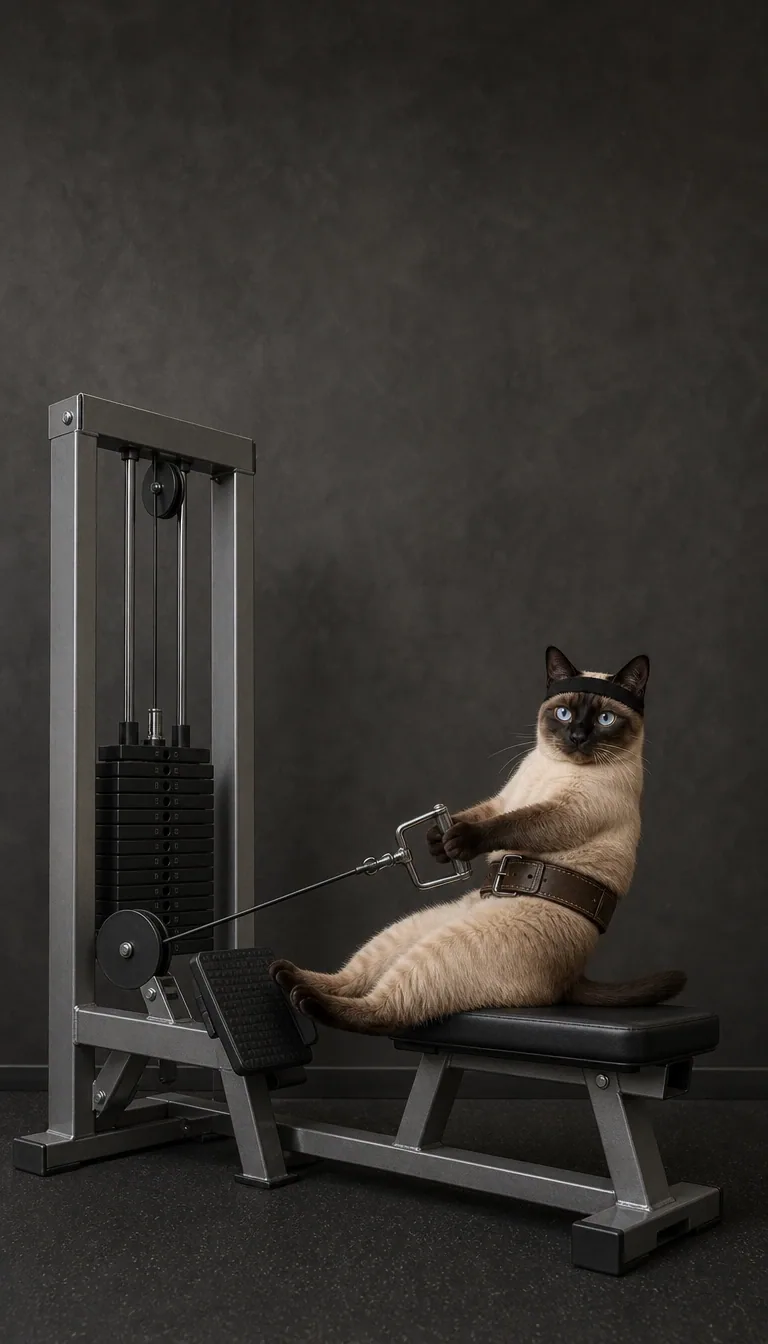
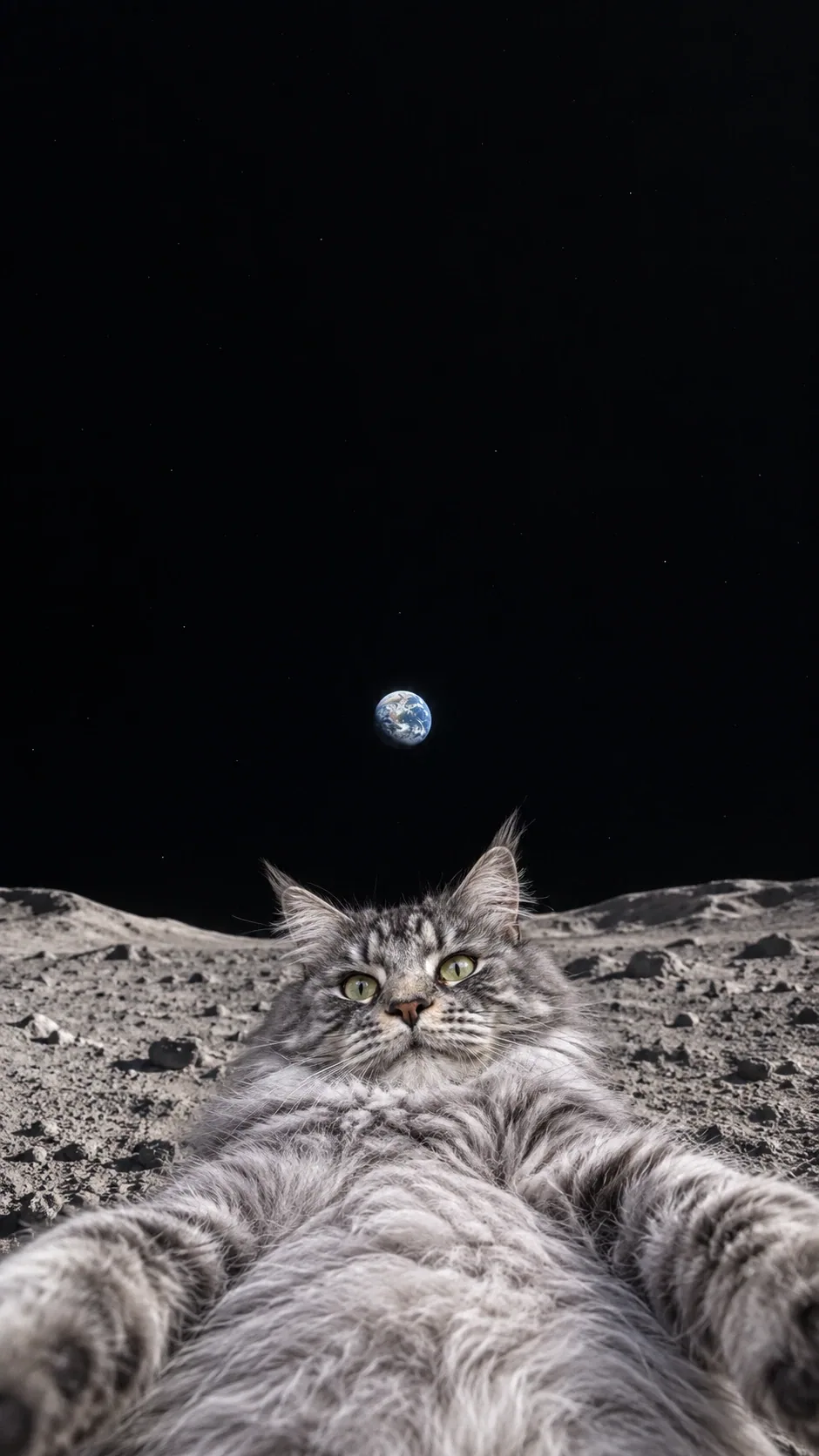
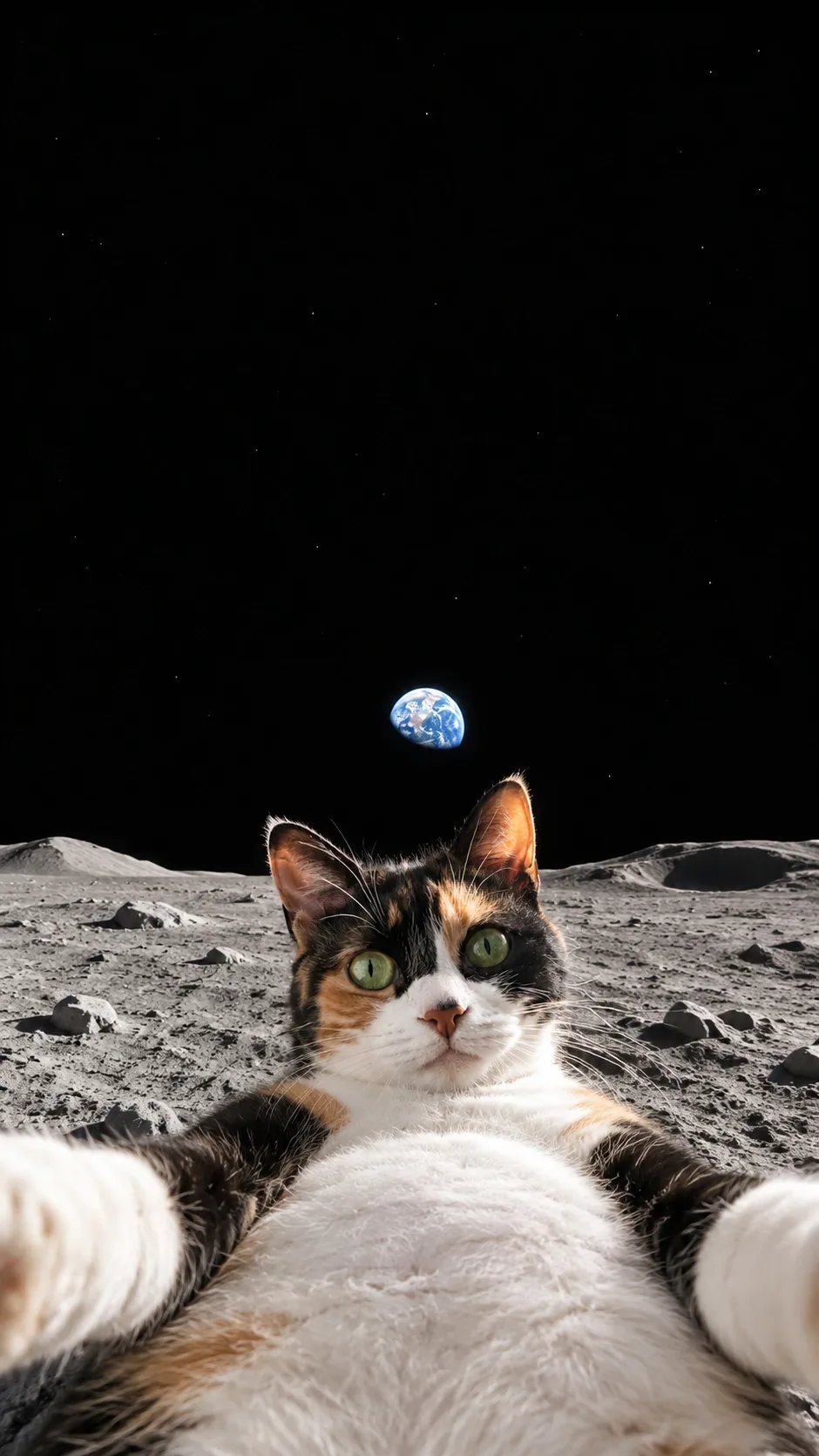
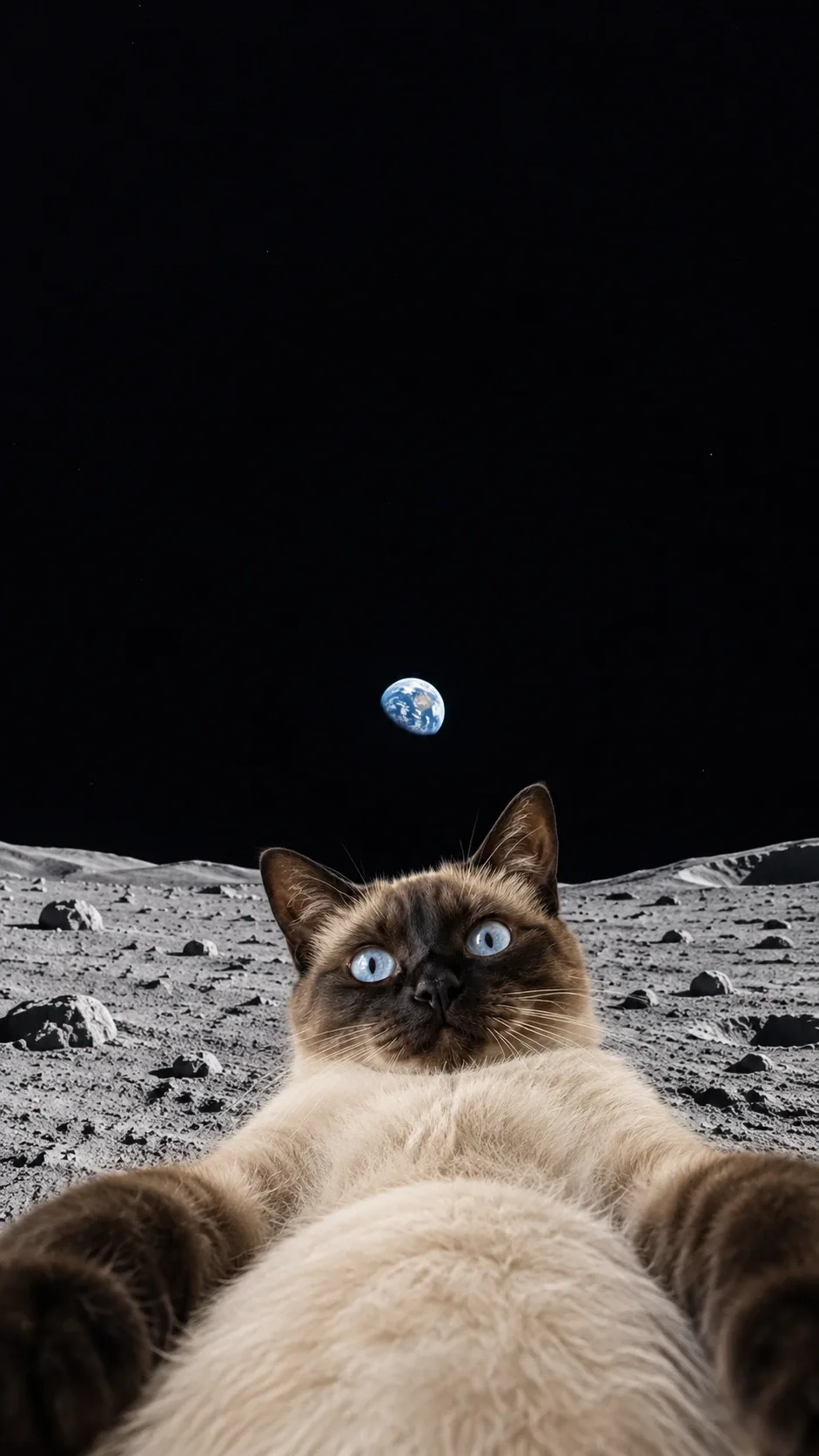
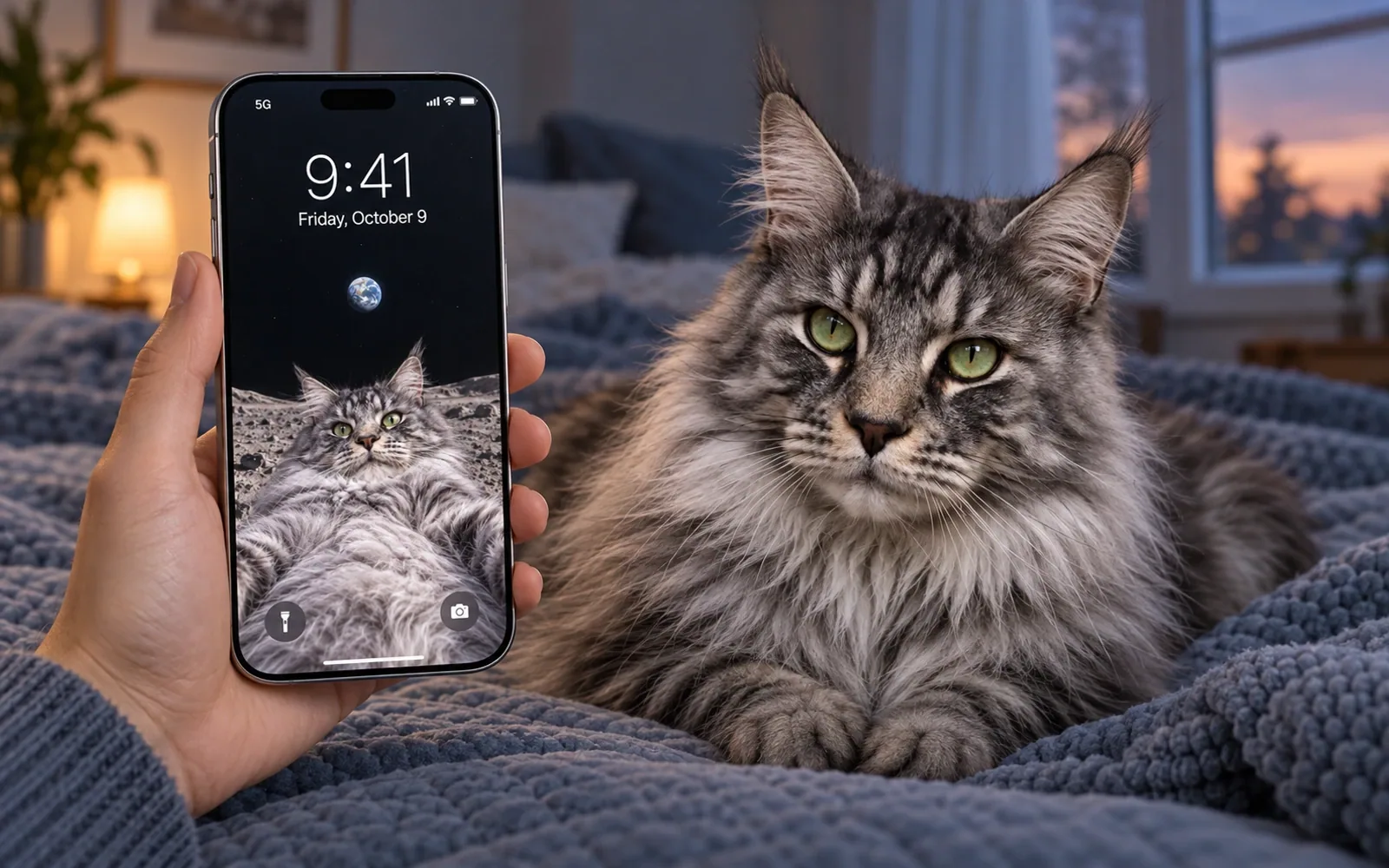
A low camera angle exaggerates the round belly and two reaching paws. A small Earth hangs over gray moon dust. Made from your own cat photo as a clean digital lock-screen wallpaper, with a quiet background above the subject.
AI-generated, watermark-free digital wallpaper. Download a clean image; your phone adds its own clock. Phone scenes show how it could look on a lock screen.
Free to use for new accounts. Start with 20 free credits. Your free plan includes 20 credits each month. No subscription or credit card required.
Worth looking at twice
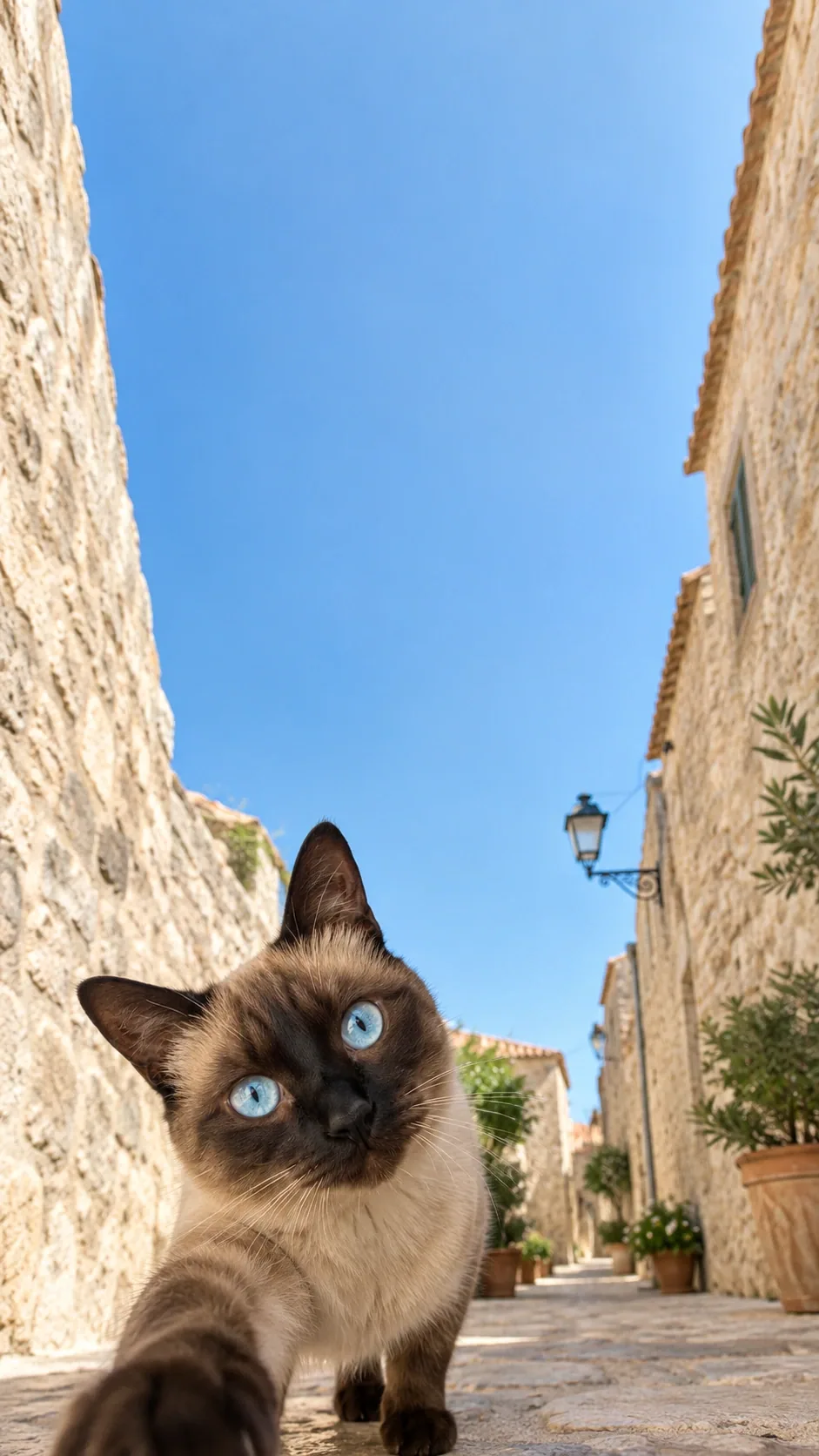
Their familiar eyes, nose and coat markings stay at the heart of the joke. The face and gesture sit low in the image, with a quiet background above for your lock-screen clock.
Start with the photo that feels most like your cat: the tilt of their head, that familiar look, the markings you know by heart. When your portrait is ready, take a moment with those details before choosing your favorite.
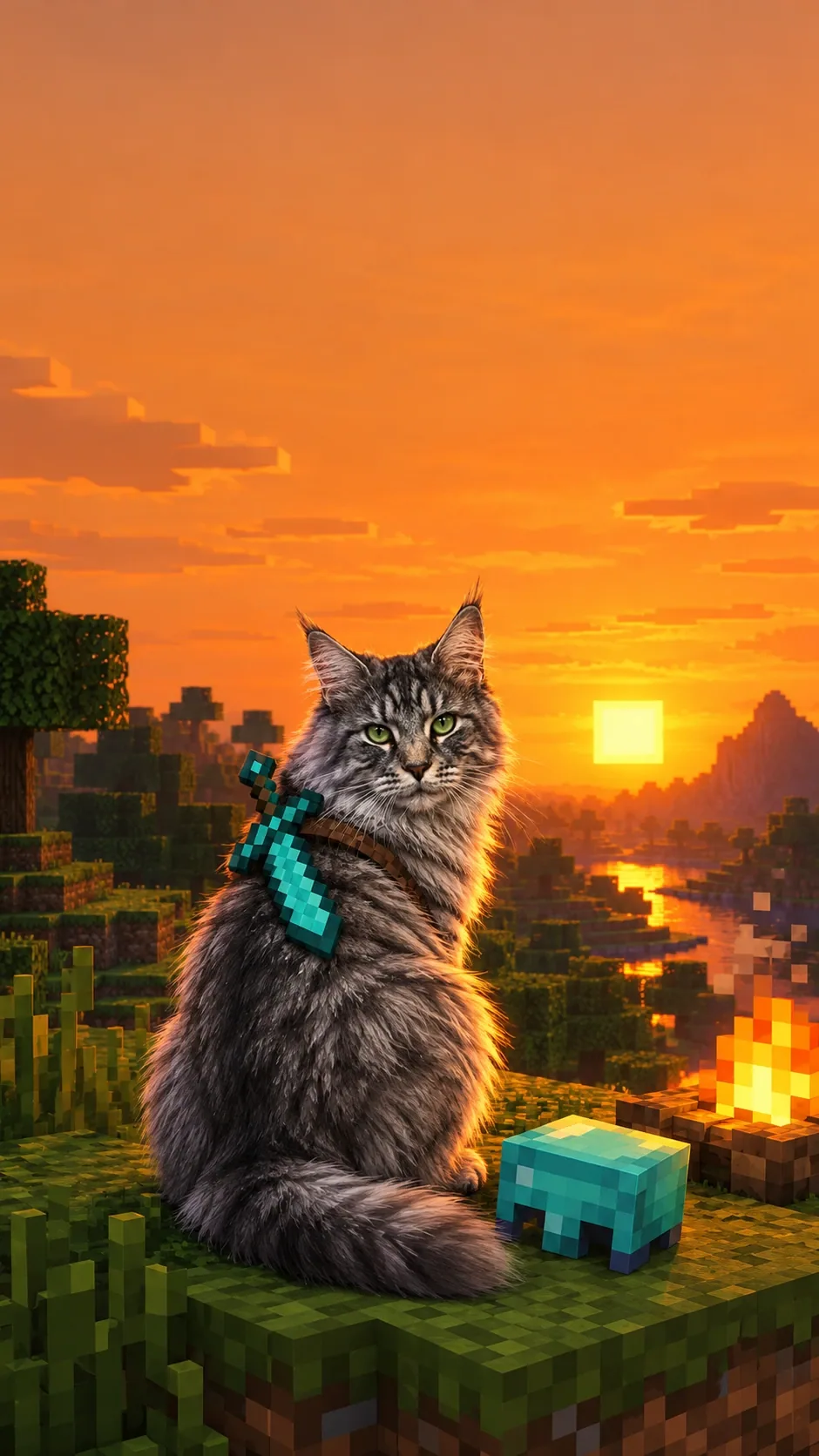
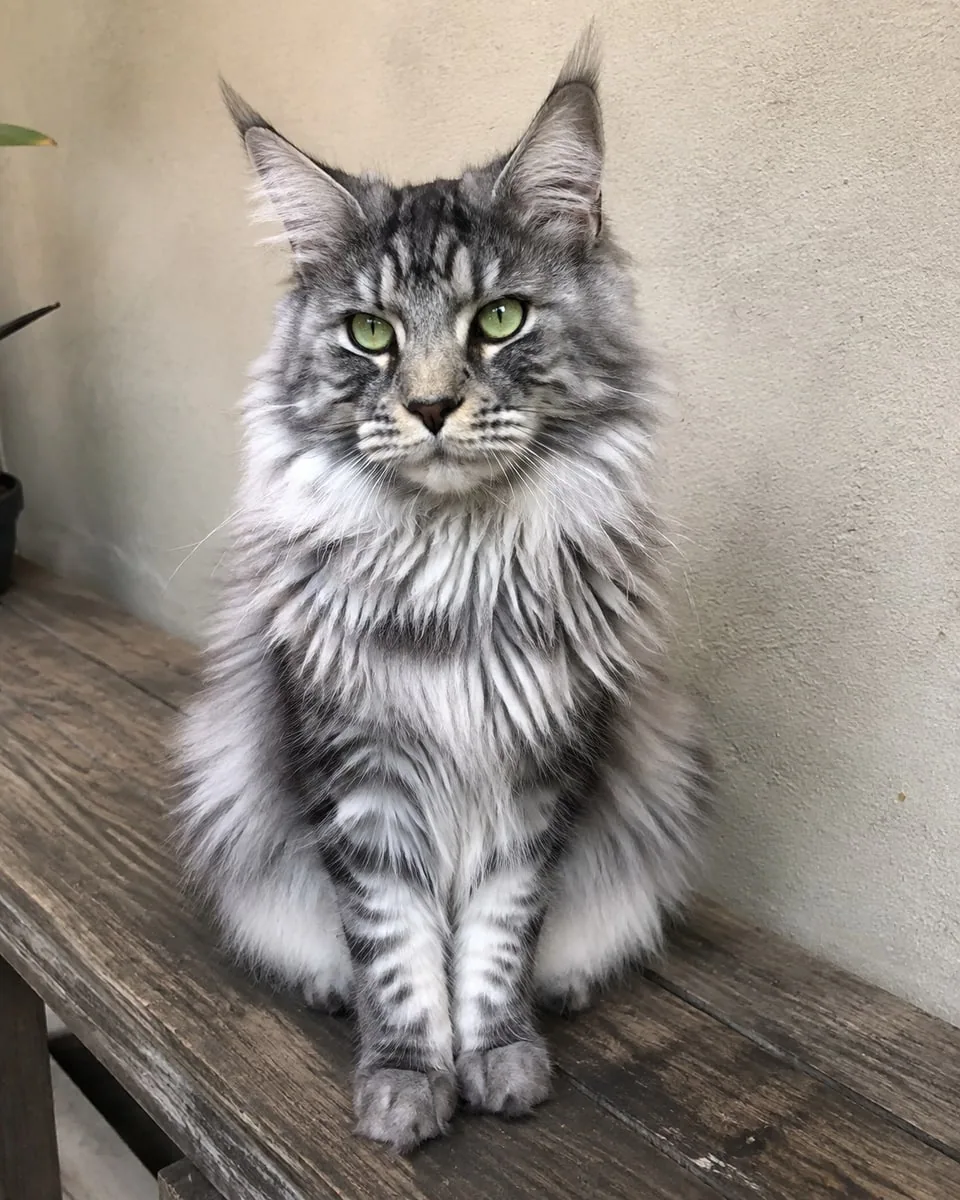
Create for freeExample 1 of 3: silver tabby Maine Coon
Portrait inspiration
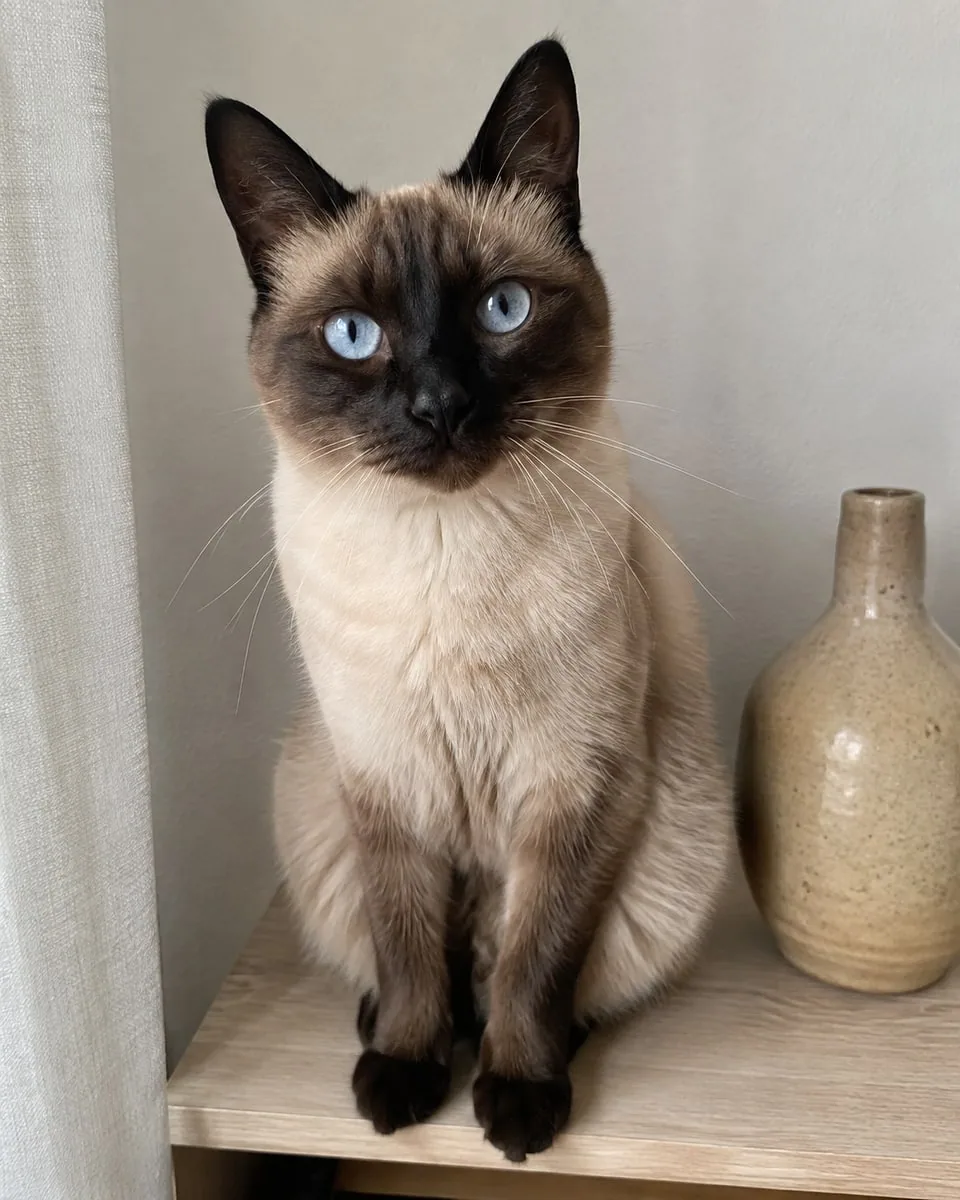
Each original photo is shown beside its finished portrait. Browse the examples to see this style with different face shapes, coats, and markings.
Make it part of everyday life
Choose your photo here. We’ll let you know when your digital portrait is ready, so you can spend your time choosing where it belongs.
Create from your own cat photo in 9:16, then download the clean, watermark-free image to your phone.
Choose the image in your phone’s wallpaper settings. Keep the cat low and adjust the crop so the face and complete gesture stay visible.
Pick a clock color that stands out against the quiet background. Preview before saving: phone screens and clock sizes vary.
Questions about this style
Yes. New accounts start with 20 free credits. Your free plan includes 20 credits each month. This style uses 5 credits per generation. No credit card is required. Choose your photo before signing in, then confirm to create. Downloads are watermark-free. When your credits run out, wait for the next monthly refresh or buy credits; a subscription is optional.
Yes. Upload one clear cat photo with both eyes, ears and familiar markings visible. This is a personalized digital image, not a download of the reference meme.
No. The wallpaper has a blank upper background without time, dates or lettering. The preview displays your current local date and time after loading; hover to hide the phone interface and see the clean wallpaper. Lifestyle photos also show a clock for illustration. Your download stays clean, and your device supplies its own live clock.
The default image is 9:16. Screen shapes and clock sizes vary, so adjust the crop on your own phone and check both ears, the face and the full gesture before saving. No automatic device setup is included.
Yes. The default is 9:16; the creation form also offers the other supported print and wallpaper formats. The composition adjusts to your selection.
Yes. All Frameow portraits are watermark-free. Each generation uses the credits shown before you confirm.
More ways to show their personality
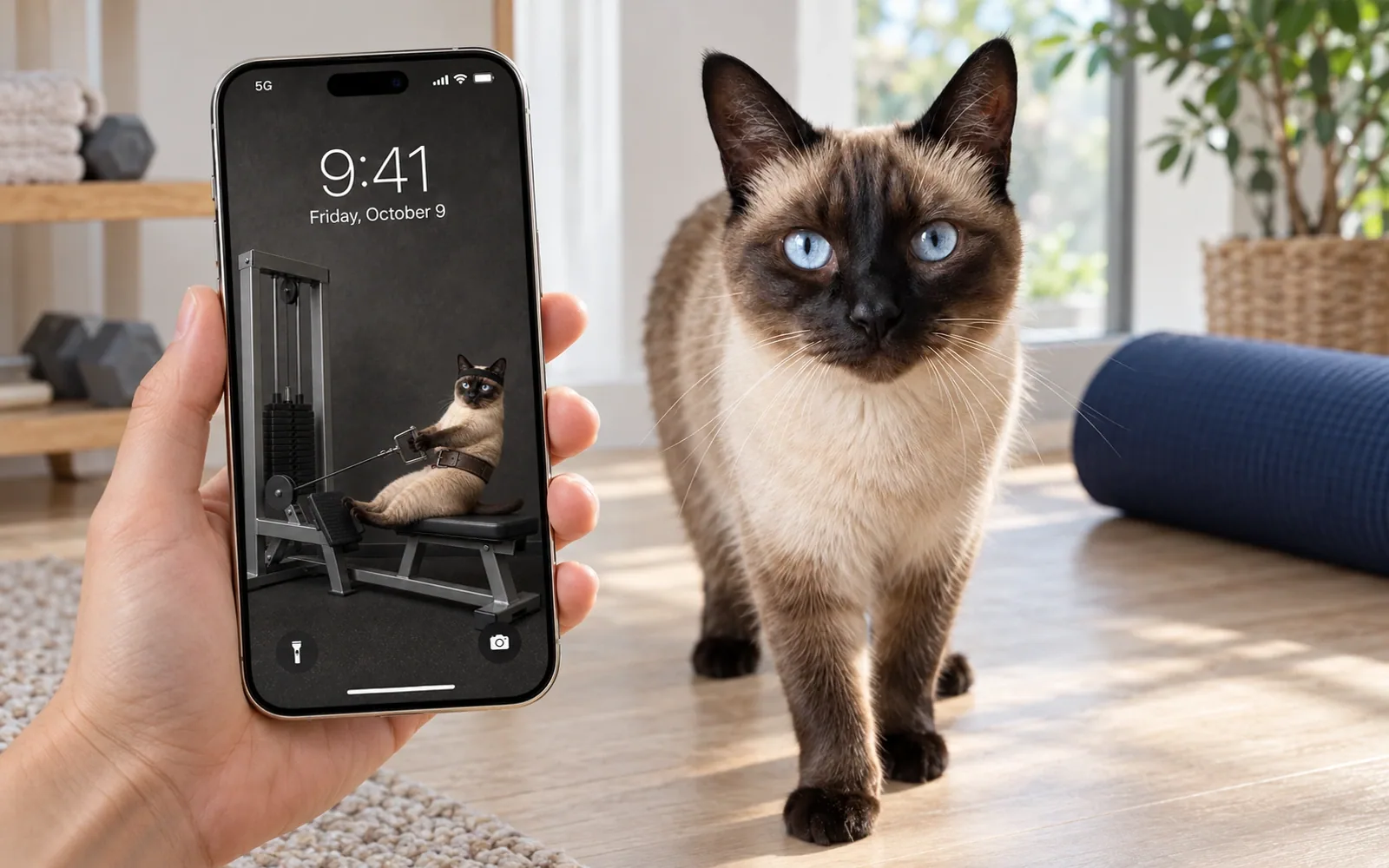
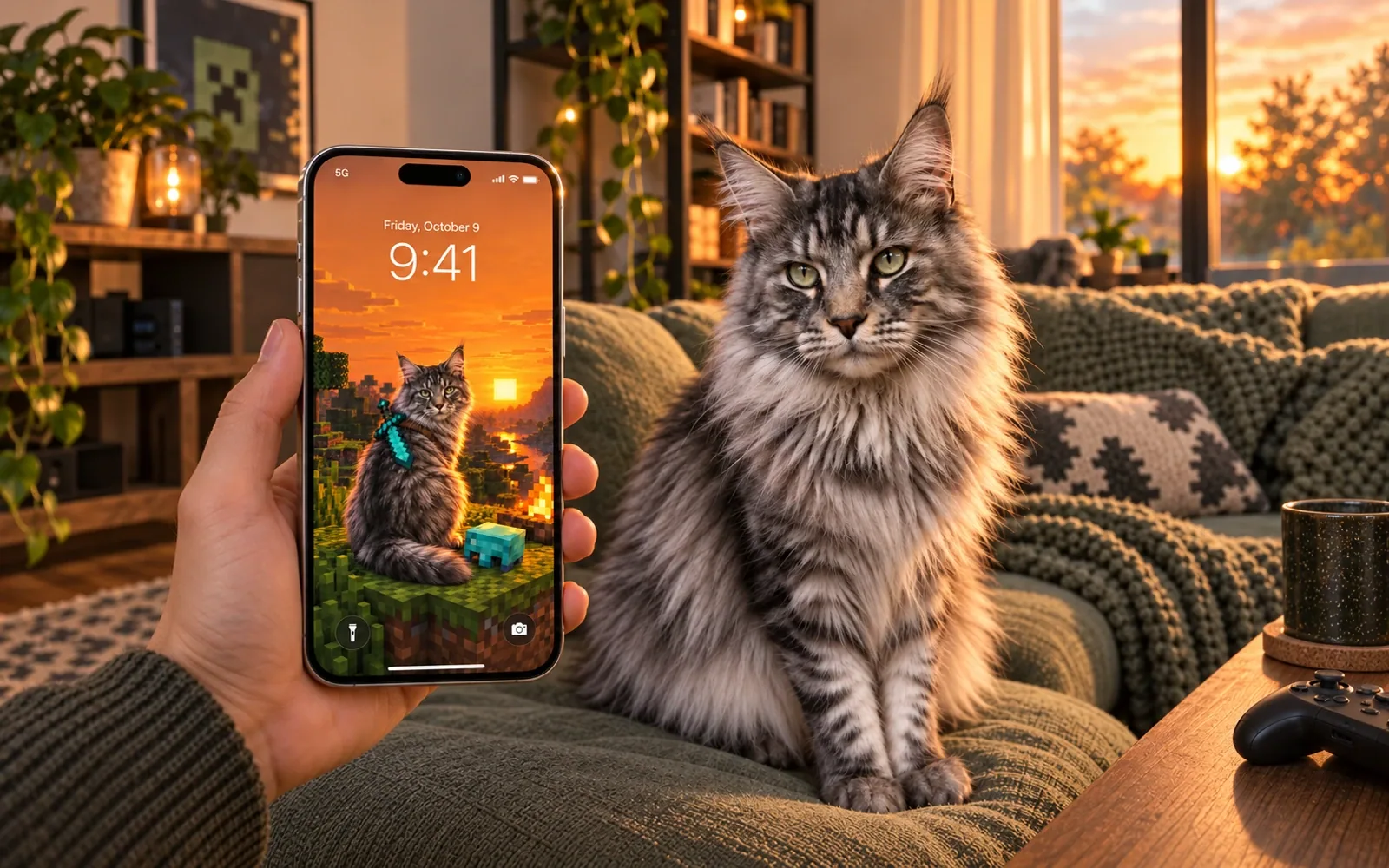
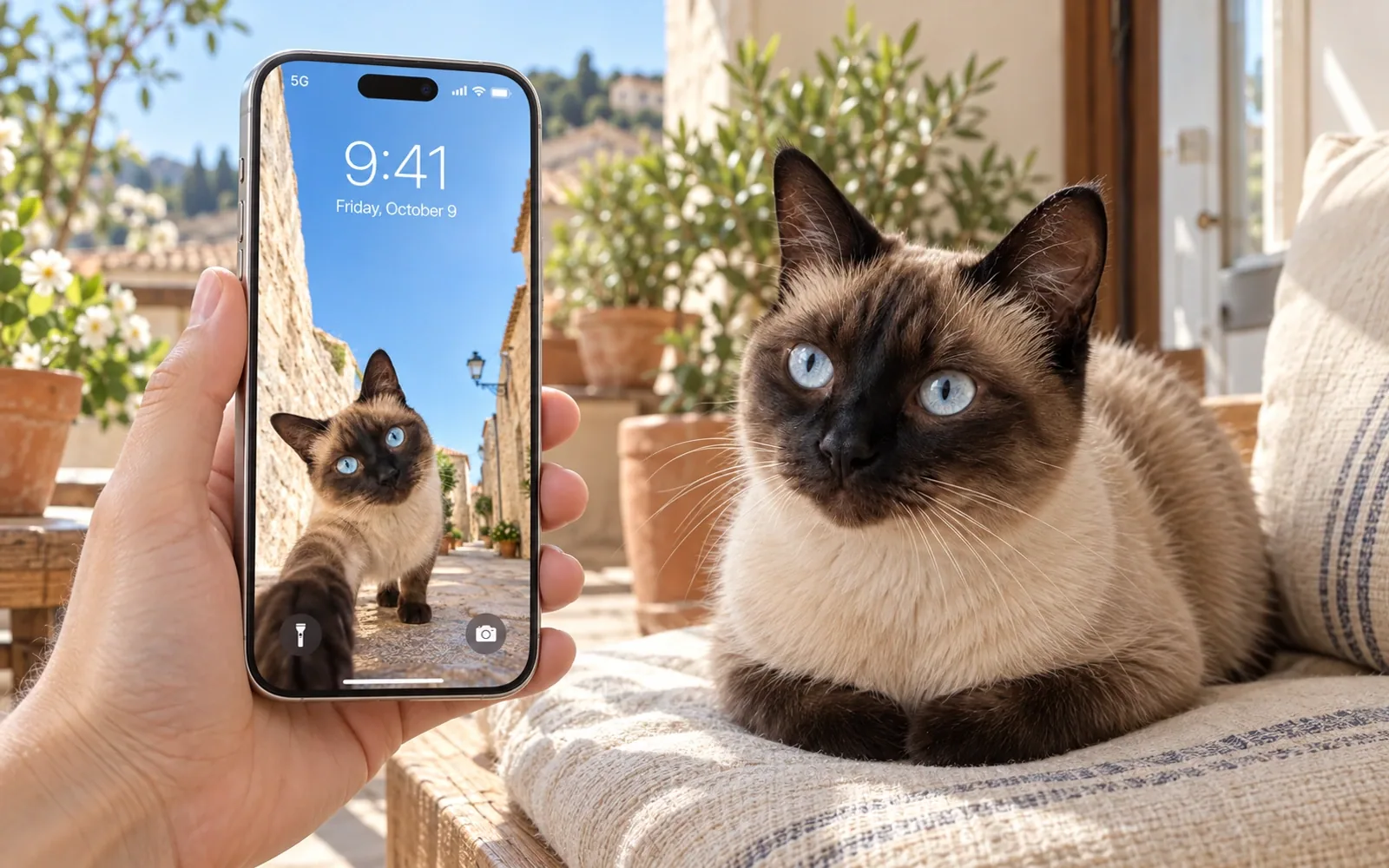
Start with one clear photo. You can make the portrait directly on this page without moving to a separate tool.
Create for free