Cat Phone Wallpapers: Original Downloads for Your Lock Screen
Download original cat phone wallpapers with clean space for clocks and icons, browse three illustrated designs and choose a crop that keeps your cat in view.
Table of Contents
A useful cat phone wallpaper leaves room for the clock, widgets and notifications while keeping the cat visible after cropping. Download the full image, preview it on your own lock screen and adjust the position before setting it.
Three original wallpapers to download
Each PNG below is 1440 × 3120 pixels. The cat sits toward the lower part of the composition, with a quieter upper area for interface elements. These are three distinct AI-generated illustrations, not photographs or portraits of your own cat. The PNGs are prepared at 1440 × 3120 from the generated masters; that export size does not imply native detail at every output pixel.
| Design | Palette | Full-resolution file |
|---|---|---|
| Sunspot | Warm cream and orange | Download PNG |
| Midnight | Midnight blue and a black cat | Download PNG |
| Sage | Sage green and a silver tabby | Download PNG |
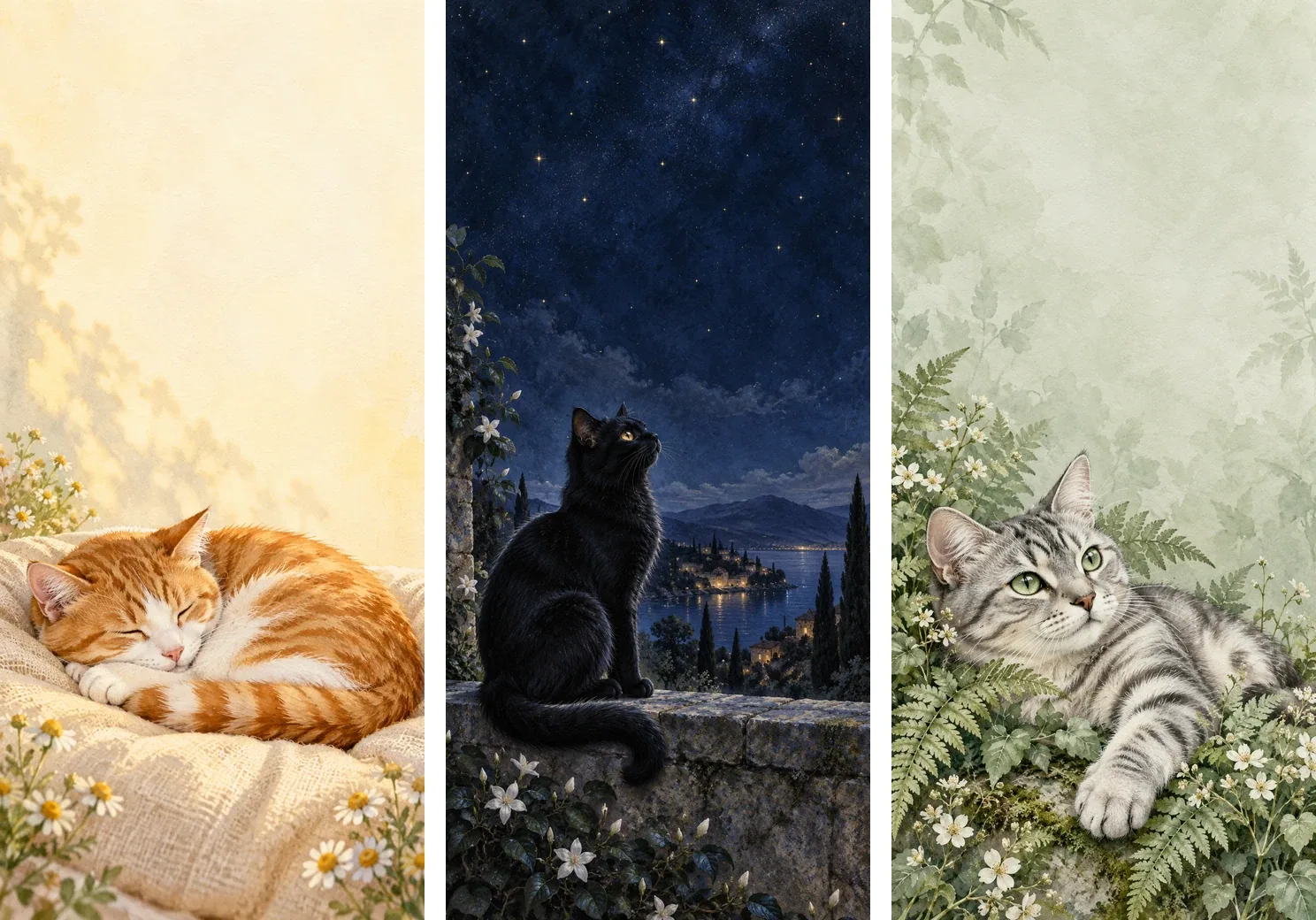
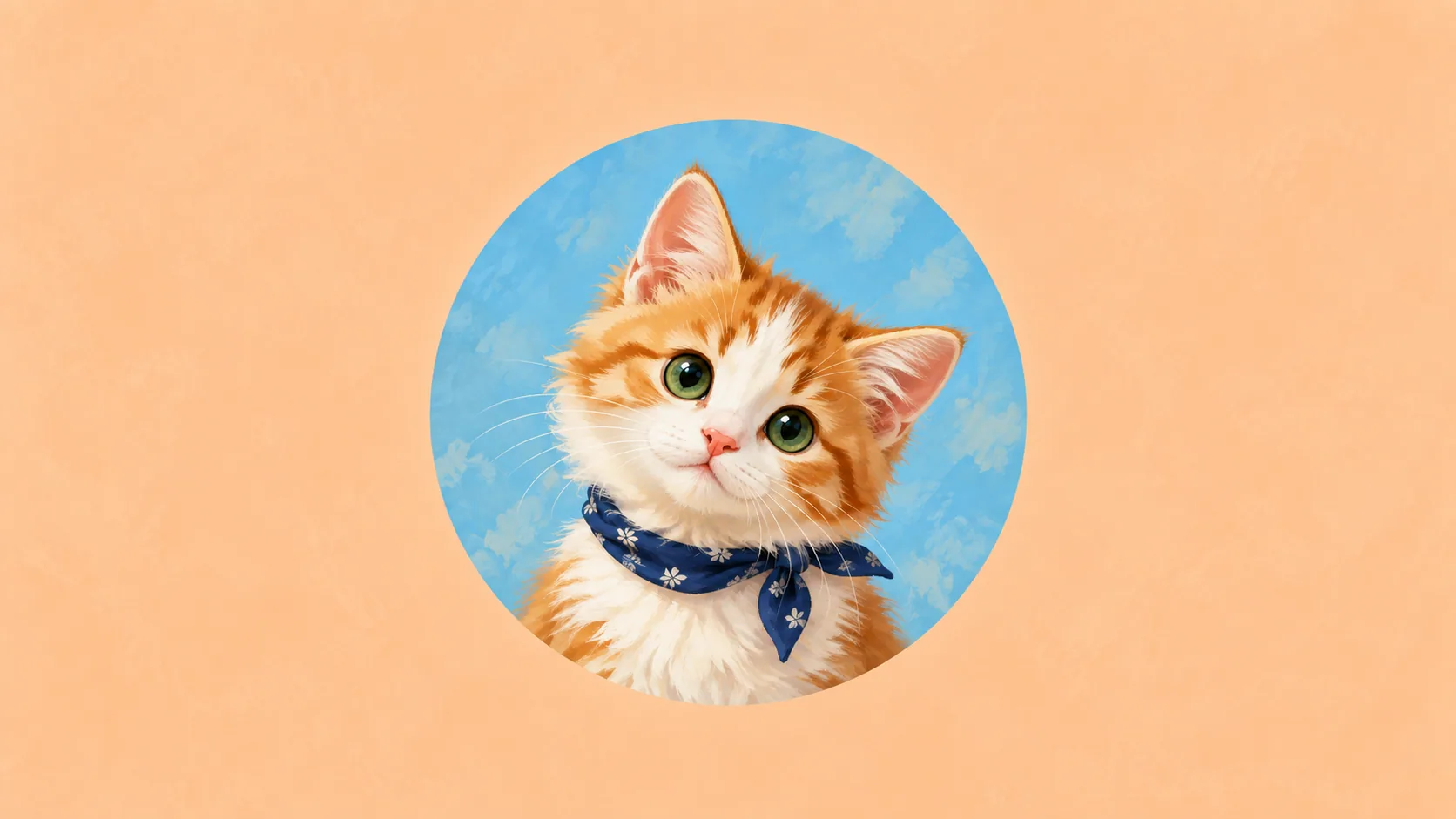
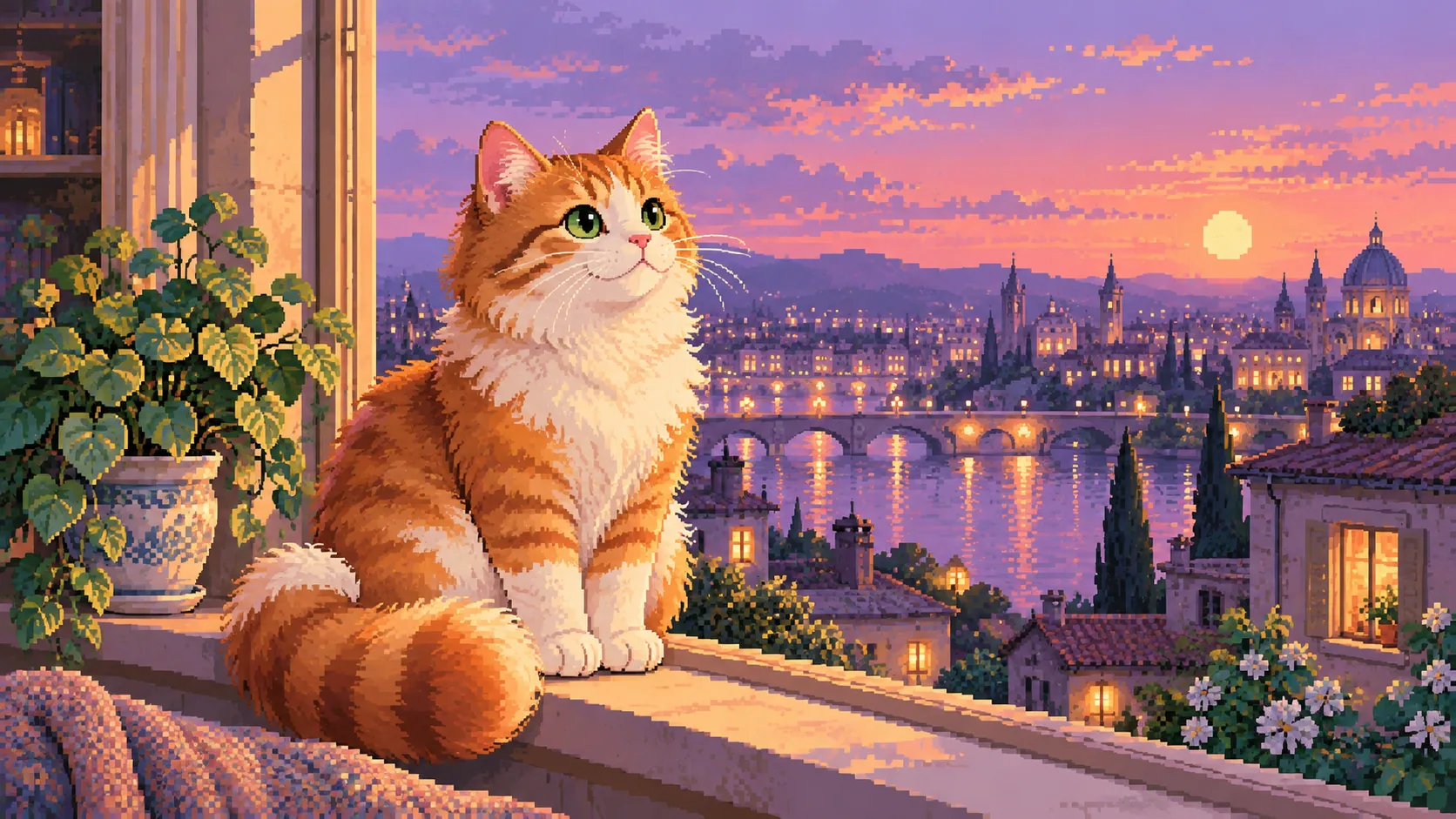
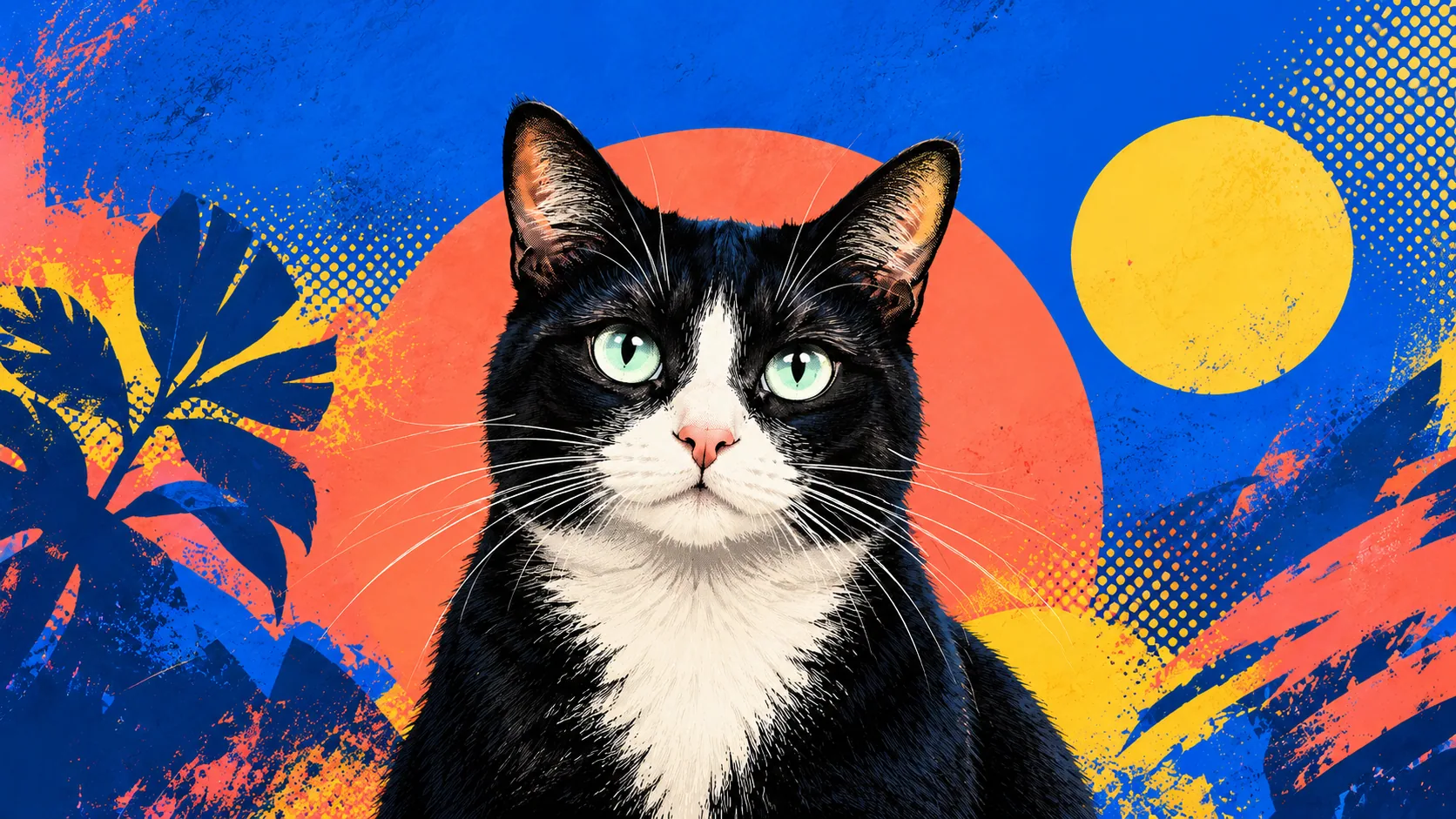
Previews of the actual three downloadable artworks, in the same order as the table. No clock or phone interface is baked into the files; check your own lock-screen crop.
Personal wallpaper use and adaptation are permitted under the asset terms. Attribution is appreciated but not required for personal use. The files are not exclusive and should not be resold as a wallpaper pack.
Download the three-wallpaper pack to save all three full-resolution PNGs and the personal-use terms together.
Choose a background for the screen you use
Sunspot gives you a light cream background, Midnight a dark blue field and Sage a muted green one. Try the palette that makes your actual clock and widgets readable. Sunspot has a curled sleeping ginger cat, Midnight a seated black cat looking up, and Sage a reclining silver tabby among leaves. Choose by pose as well as contrast and mood.
The supplied 1440 × 3120 images have a 6:13 aspect ratio. If a display fills a different ratio, it has to crop or add space. For example, filling a hypothetical 1080 × 2400 area would scale the image to about 1108 × 2400, cropping roughly 14 pixels at each side when centered. That is a geometry example, not a tested phone specification; wallpaper effects may zoom further.
Preview first with your normal clock and widgets, then check a typical notification. If an ear or the face is covered, reposition the file, simplify optional widgets or use a separate plain home-screen background. Keep private notifications out of any screenshot you send to a friend.
Save and set the wallpaper
- Open and save the full PNG using your device's image-saving controls. Check that the file is 1440 × 3120, rather than a screenshot or a small preview.
- Choose the saved file in your phone's wallpaper settings. Menu names vary; use its actual crop preview to position the ears, face and tail.
- Check your normal clock, widgets and a typical notification. If something covers the cat, adjust the crop or remove an optional overlay. Do not stretch the picture to force a fit.
- Check the home screen separately if you use the image there. A plain background may work better behind rows of icons.
If the image looks blurry, return to the original PNG and check whether automatic zoom or a screenshot reduced the useful detail. A larger file cannot resolve a mismatch between the picture's ratio and the screen's shape.
Keep the original so you can reposition it later. Share the full file or this page, rather than a screenshot containing private notifications.
Make one from your own cat
Choose a photo with space above the animal or a composition that can tolerate a taller crop. Keep a copy before editing. Avoid stretching a square photo vertically; it changes the cat's proportions.
For a digital portrait, select a Frameow style whose composition suits the intended screen, then inspect the actual result. Frameow's output dimensions and available aspect ratios depend on the style and generation options; a phone-specific file is not implied by every style example.
Cat portrait tutorials, creative gift ideas, and new styles from the Frameow team.