Cat Pixel Art Tutorial: Draw a Cat and Keep Its Markings
Draw an original pixel cat with a grid, a small color palette and step-by-step examples, then preserve its markings and export a crisp image.
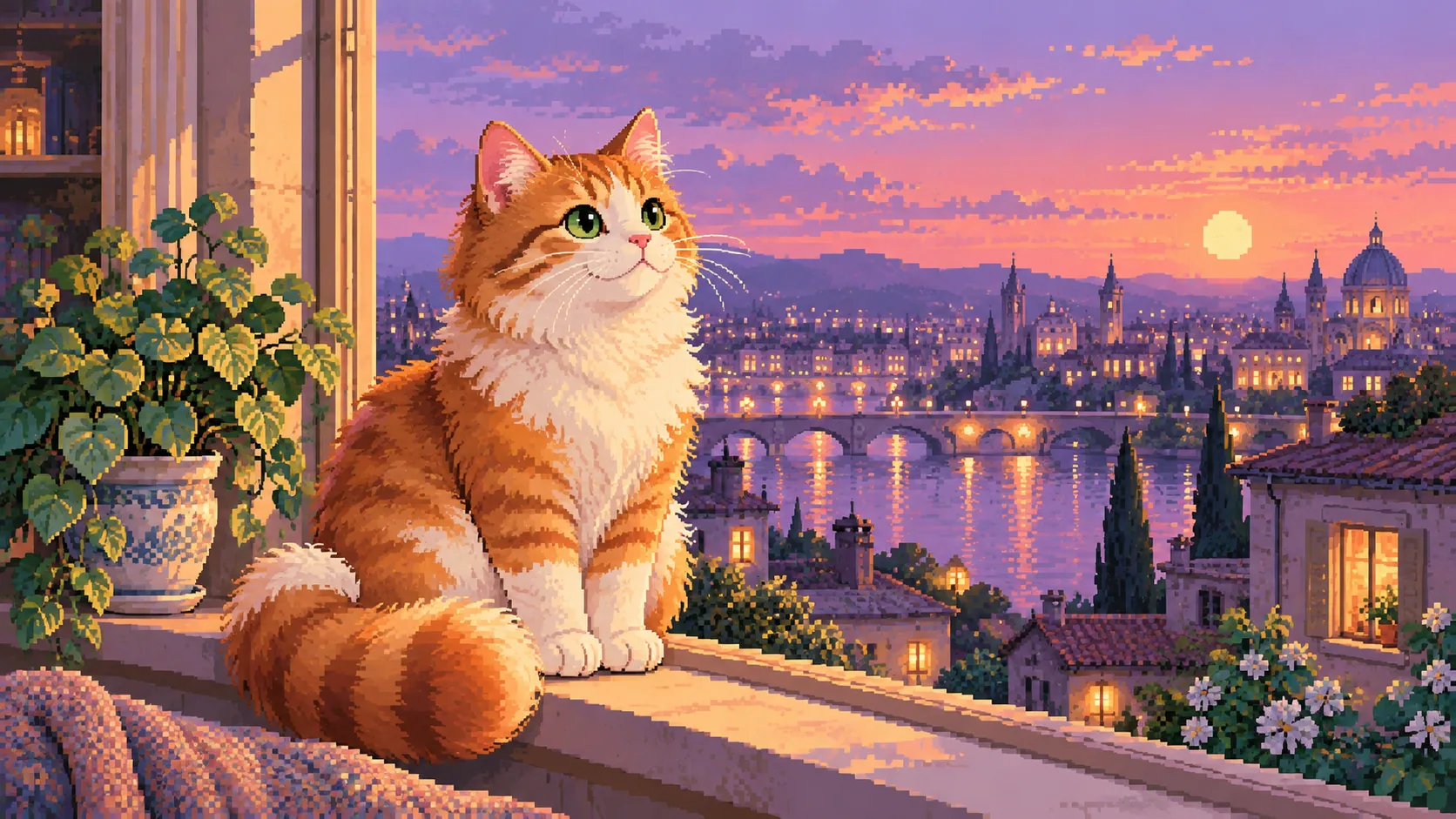
Table of Contents
To draw recognizable cat pixel art, decide which features survive at a small size: two ears, a clear head shape, a tail and one or two markings. Start with the silhouette on a fixed grid, then add a small palette. More colors cannot rescue an unreadable outline.
Download the 16 × 16 practice grid, tabby sample and tuxedo sample. Both sample cats are original pixel designs. They are practice assets, not licensed game characters or ready-made game imports.
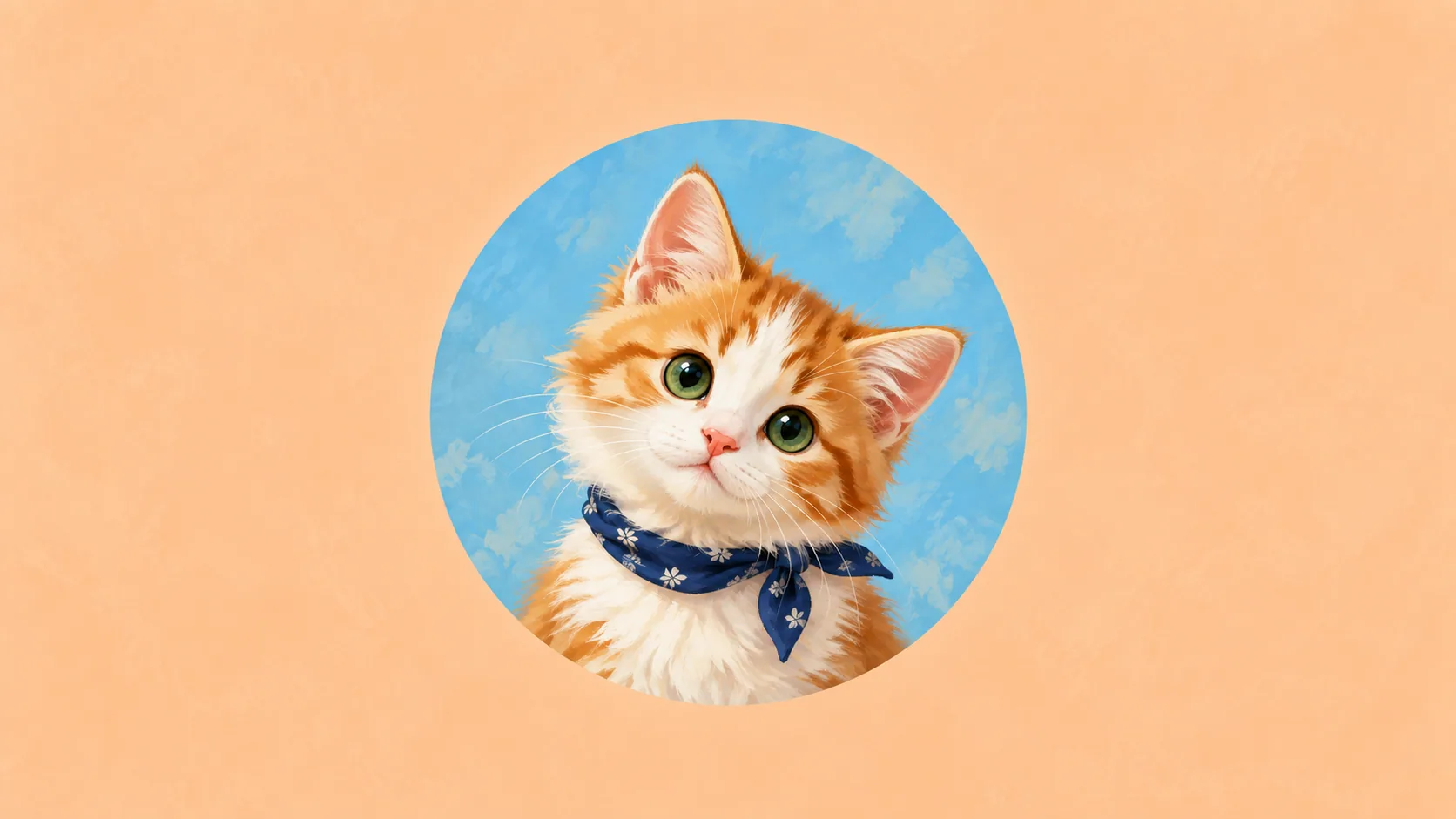
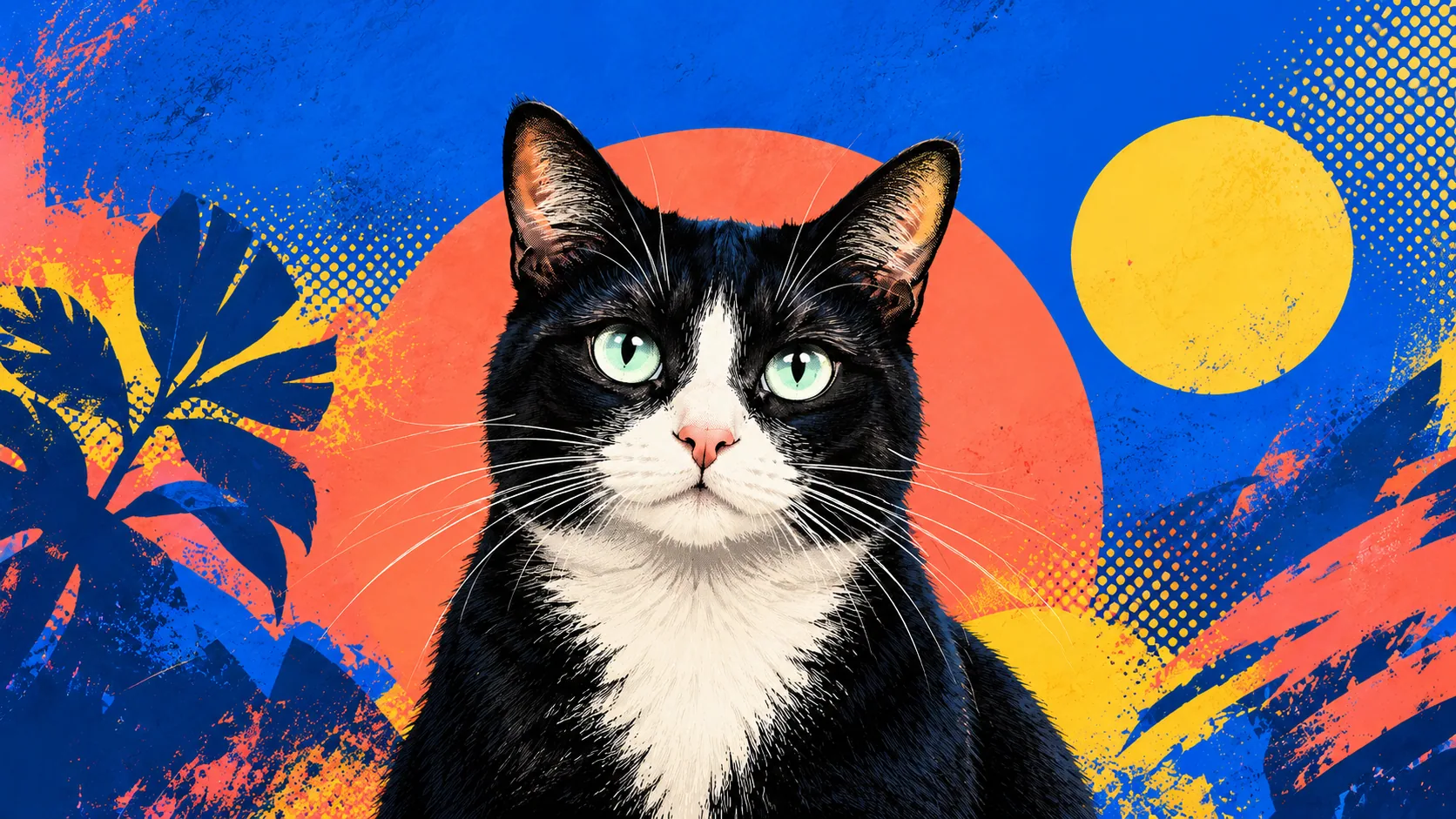
AI-generated pixel-inspired artwork showing color and composition possibilities. It is not the exact 16 × 16 practice pattern below.
Download the pixel-cat practice pack for the blank SVG grid, both 16 × 16 cats, a crisp enlarged tabby, the text pattern and personal-use terms.
The downloadable 16 × 16 files are deliberately small technical exercises. Follow the map below to reproduce them; use the illustration above for broader color and composition inspiration.
Three passes through the pattern
- Silhouette: use one body color for every non-dot position. Do not add eyes yet; check whether the ears, back and tail read as a cat at actual size.
- Face: replace only the two D pixels and two L pixels. Compare before adding anything else; a single extra dark pixel can change the expression.
- Your cat's marking: duplicate the file, then move or enlarge one light patch. Keep the first file so you can compare the change without relying on memory.
This pattern teaches a small digital sprite. If you transfer it to beads, bricks or stitching, treat the grid as a design sketch and use the material's own assembly instructions; this download is not a tested craft pattern or Minecraft build.
Build on a real grid
Create a 16 × 16 pixel canvas in an editor with a one-pixel pencil and a visible grid. Turn off soft brush edges. Alternatively, color the printed grid by hand before transferring it to pixels.
Place the ears with a gap between them. Make the head broader than the neck, let the body widen near its base and keep the tail from merging completely into the body. Check the outline in a single color before adding facial features.
At this scale, a one-pixel change can alter the expression. Move one feature at a time and look at the original-size preview, not only the enlarged editing view.
Copy the sample one row at a time
Use this exact map to reproduce the downloadable tabby sample. Each character is one pixel; read the sixteen rows from top to bottom. A dot is the background, O is the orange body, D is a dark eye and L is the light muzzle. The plain-text pattern includes the color codes.
................
...OO....OO.....
...OOO..OOO.....
...OOOOOOOO.....
..OOOOOOOOOO....
..OODOOOODOO....
..OOOOOOOOOO....
...OOOLLOOO.....
....OOOOOO......
....OOOOOO...OO.
...OOOOOOOO..OO.
...OOOOOOOO..OO.
...OOOOOOOO.OOO.
...OOOOOOOOOOO..
...OOOOOOOOOO...
................
First fill every O, D and L position with the body color. You should have one readable silhouette. Next replace the two D positions with dark detail, then replace the two L positions with the light patch. Compare with the sample before changing the pattern for your own cat.
Make a copy and change just the muzzle patch to explore a different marking. At this scale, preserving one recognizable patch is a better first goal than trying to reproduce every stripe.
Keep the marks that identify the cat
For an orange tabby, a warm body color and a small pale muzzle may be enough. For a tuxedo cat, the position of a light muzzle or chest patch matters more than adding many shades of black.
Write down two features from the reference before drawing. If one feature is too small to survive, simplify it into a larger clear shape rather than scattering isolated pixels. The downloadable examples share a silhouette so you can compare color choices without changing the pose at the same time.
Use a small palette deliberately
Start with a background, body, dark detail and light patch. Test each against its neighbors. Eyes must remain visible against the face; a dark cat may need a lighter eye pixel or a clearer surrounding shape.
Avoid applying a smooth gradient over the whole drawing if your aim is crisp, limited-palette pixel art. A carefully placed block of shadow often reads more clearly than a dozen almost identical colors.
Correct the common failures
| Problem | Try this |
|---|---|
| Cat looks like a bear | Separate the ears and make their tips clearer |
| Tail disappears | Leave a background gap beside it |
| Face looks noisy | Remove isolated detail pixels |
| Markings no longer resemble the cat | Restore the largest patch before adding stripes |
| Enlarged export looks blurred | Use an integer enlargement with nearest-neighbor sampling |
Save the working file before trying a major change. You can compare versions side by side instead of undoing from memory.
Export without softening the edges
Save a PNG at its original 16 × 16 dimensions. For a larger display, scale by a whole-number factor, such as 16 times to 256 × 256, using nearest-neighbor rather than a smoothing method. The enlarged tabby example demonstrates this.
If you implement the enlargement in a browser canvas, turn off image smoothing before drawing the enlarged copy. MDN demonstrates the difference between the default smoothed scale and sharp pixel enlargement.
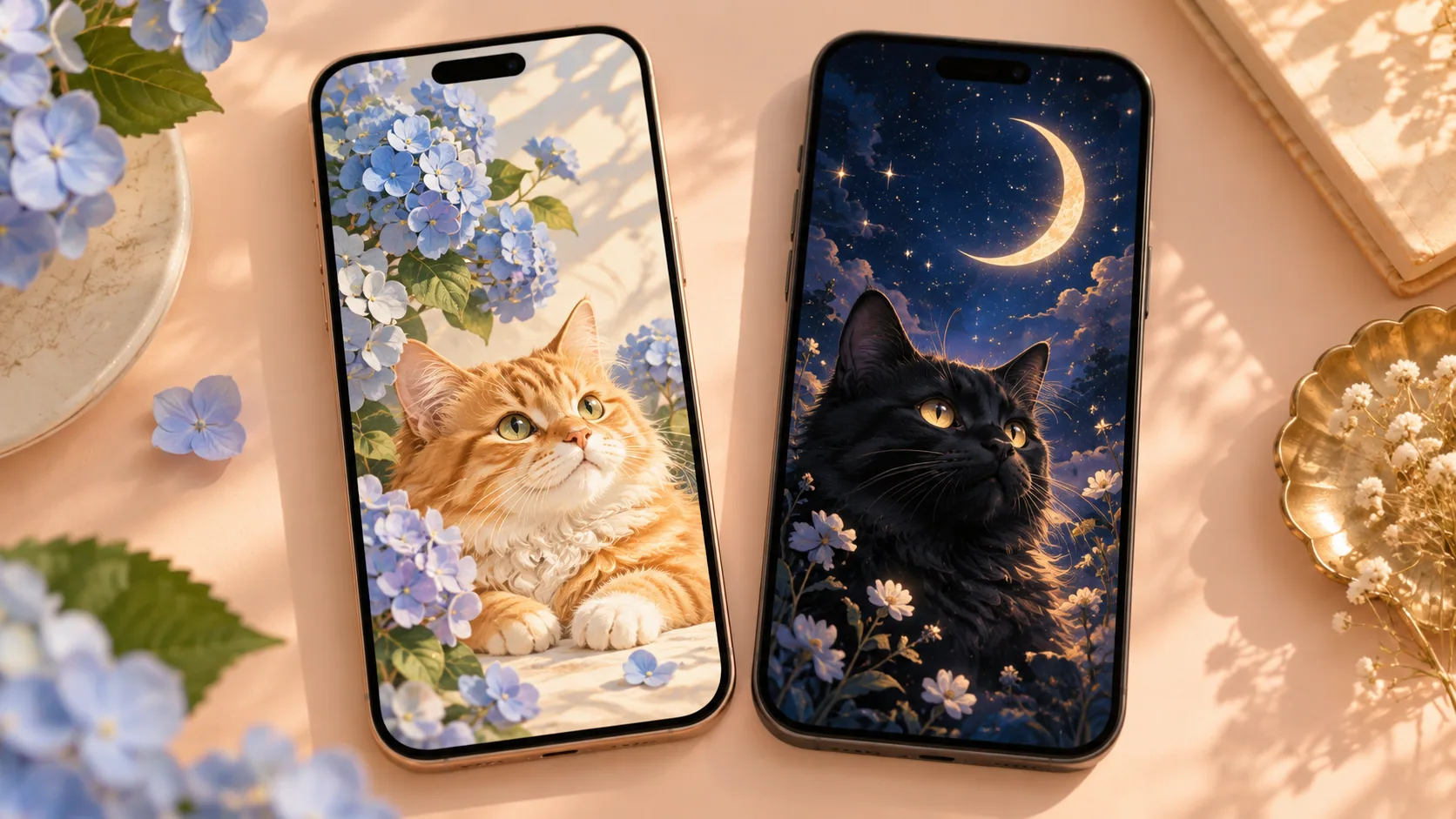
A Frameow Cozy Pixel Farm portrait offers an AI-generated pixel-inspired scene from your cat photo. It is a different deliverable: do not assume the output obeys this exact grid, palette or a game's sprite specification. Use the manual grid method when those constraints matter.
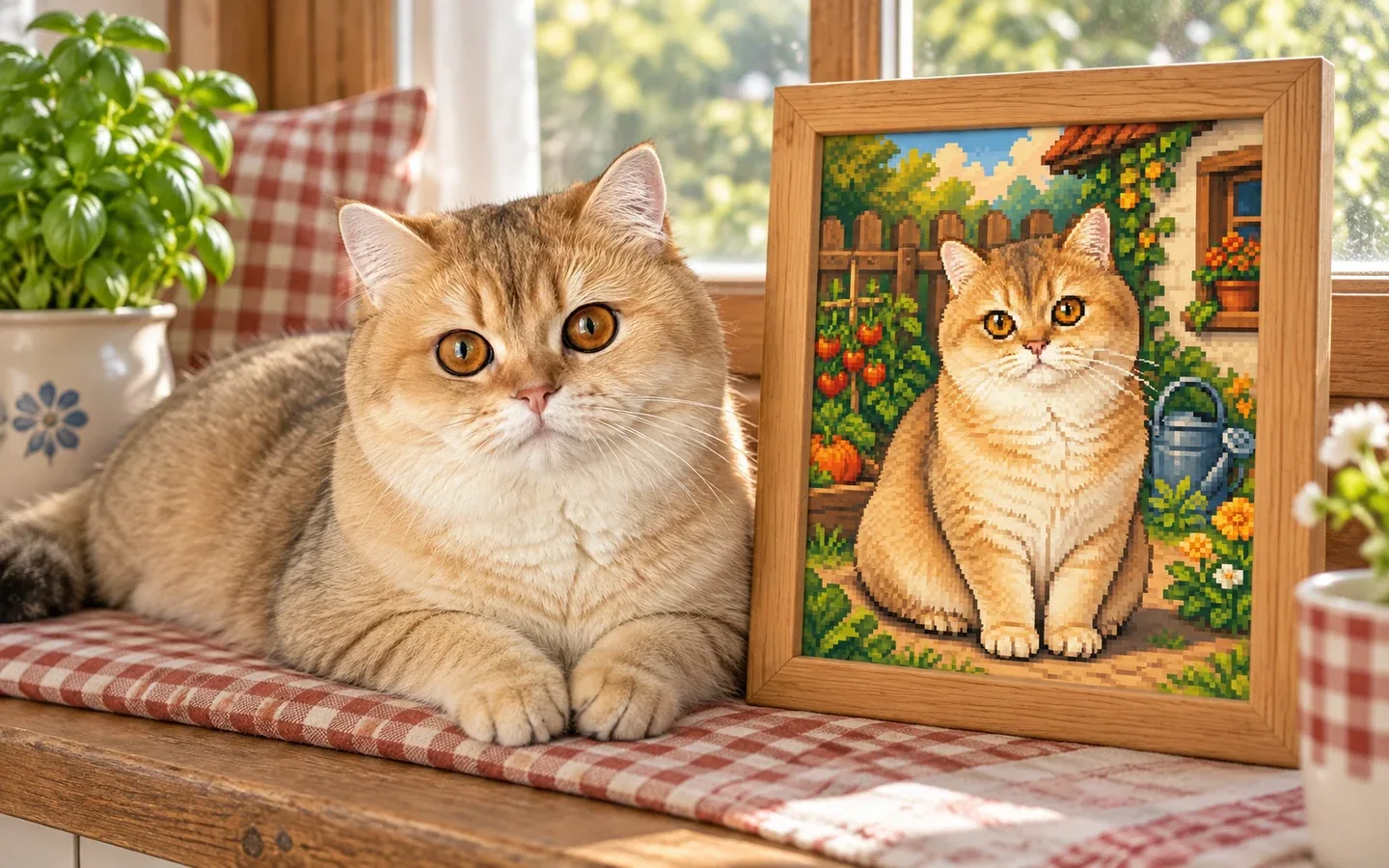
Stardew Valley Pixel Farm Cat Portrait
Compare a generated pixel-inspired portrait
See an actual photo-to-portrait example. This is a digital illustration, not a strict 16 by 16 sprite or a game import.
Create my cat’s portraitCat portrait tutorials, creative gift ideas, and new styles from the Frameow team.