
Cat PFP Ideas: Original Images and Profile Crops
Download three original cat profile pictures and learn how to test circular crops and small-size readability for an image of your own cat.
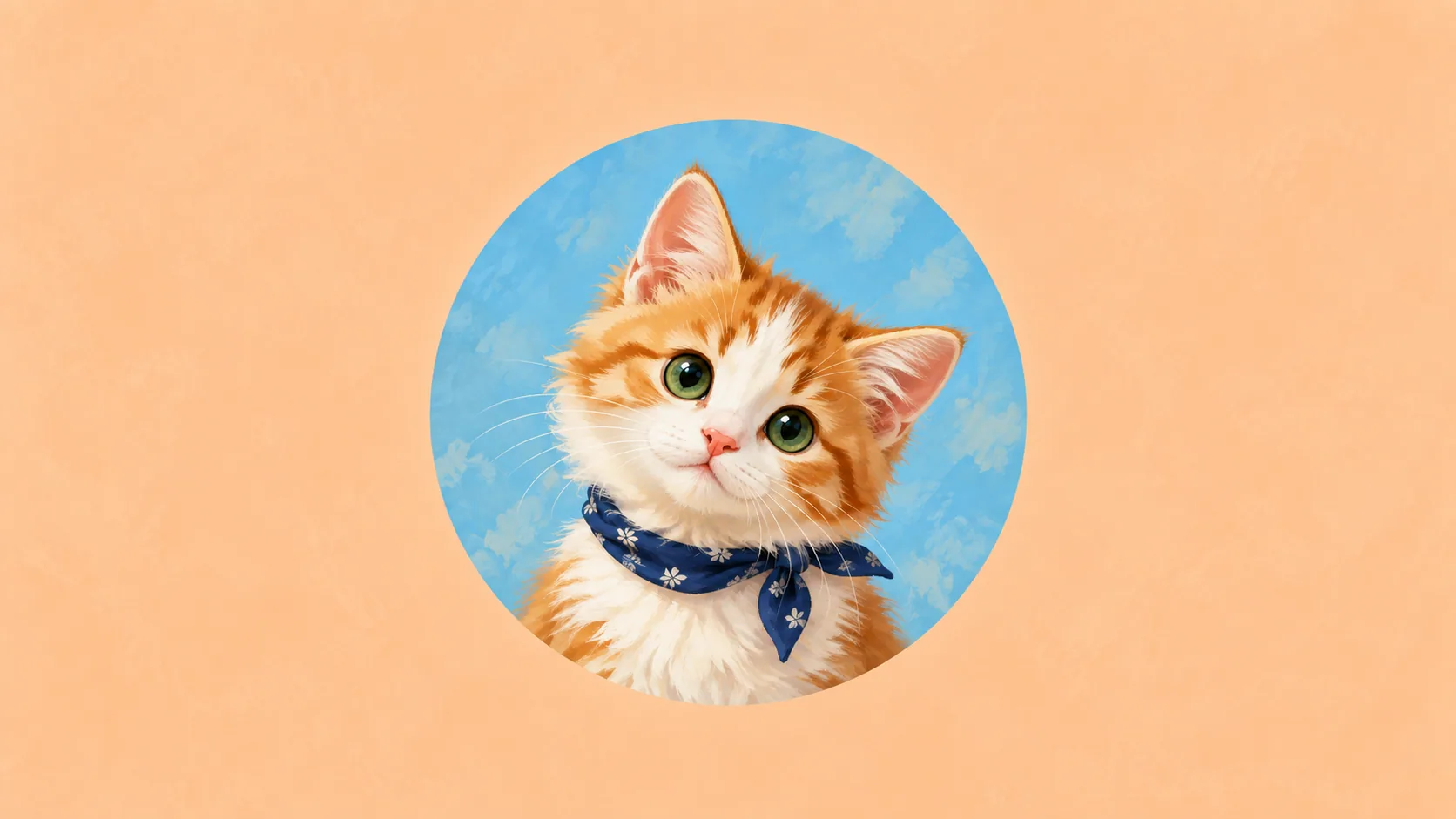
Table of Contents
A good cat profile picture stays recognizable when it is small and cropped into a circle. Start with a clear face or silhouette, leave space around the ears and simplify the background. Fine fur detail matters less than the shape that survives at thumbnail size.
Download an original profile picture
These three AI-generated cat illustrations are available as 1024 × 1024 PNGs. They are general cat designs, not portraits of your own cat and not characters from an existing franchise.
| Design | Mood | Download |
|---|---|---|
| Sunspot | Ginger kitten on apricot | PNG |
| Midnight | Amber-eyed black cat on indigo | PNG |
| Sage | Cream-and-gray cat on sage | PNG |
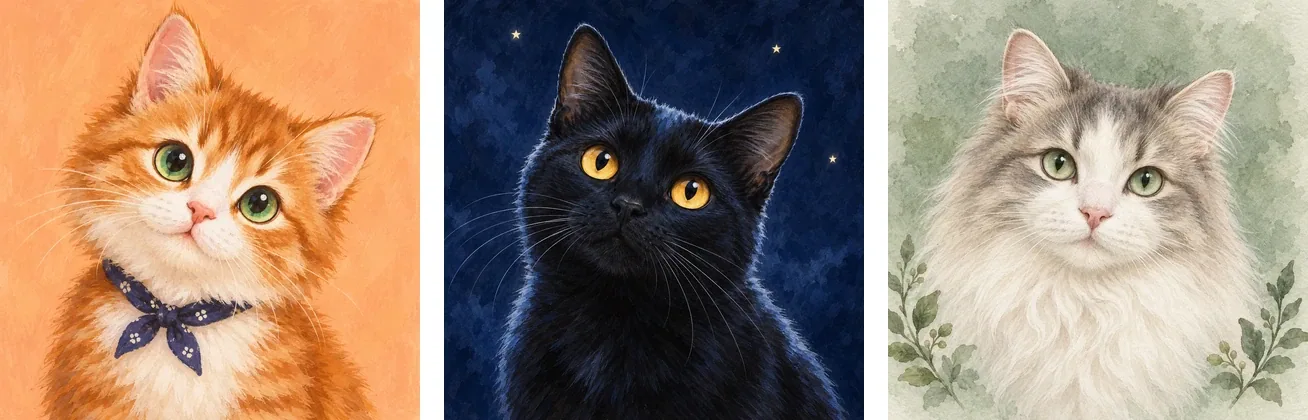
Previews of the actual square downloads. Test a circular crop in your own profile editor; ears near the corners may need extra background space.
Personal profile, noncommercial gift and classroom use is permitted under the asset terms. The designs are not exclusive to one user. Do not resell them as an asset pack.
Download all three profile PNGs together. The pack includes the personal-use terms; no account or image generation is needed.
Pick a direction in one minute
| What you want | Start with | Keep visible at small size |
|---|---|---|
| Soft and friendly | Sunspot's cream-and-orange palette | The green eyes and white muzzle |
| A darker profile | Midnight's blue background | The amber eyes against blue-black fur |
| A quiet, muted look | Sage's green palette | The face rather than extra decoration |
| A funny picture of your own cat | A photo with a readable expression | The expression inside a circle, without tiny caption text |
| Matching household profiles | Two separate photos with related backgrounds | Each cat's own markings and face |
The first three are distinct downloadable cat portraits. The last two are ideas for your own photographs, not additional files in the pack. To test your choice, view a copy at 32 × 32 and 64 × 64 pixels and try a temporary circular mask. Keep the square master intact.
Choose the mood before adding detail
For a friendly profile, try a clear face, warm background and uncluttered edges. For a quieter look, use a limited palette with a strong silhouette. For a humorous account, expression may matter more than decoration.
Open a separate copy at an actual display size of 32 × 32 pixels; the comparison sheet above scales with the page. If the eyes or ears disappear, a more elaborate full-size image will not fix the small-display problem. Choose the version whose main shape survives.
Choose a real photo, illustration or matching pair
Use a real photo when the expression or a familiar face is the main point. Choose a simplified illustration when you want clean shapes at a very small size. For a playful image, keep the joke readable inside the circular crop; a tiny prop at the edge may disappear.
For matching profiles, keep the background or palette related while giving each cat its own crop and markings. Do not force two different cats into an identical face. Test each image at roughly the size it will appear beside a comment, then compare them together.
The three downloads here show different illustrated cats and expressions. They provide a ready-to-use option, not a custom rendering of your own pet.
Make a profile picture from your cat
Use a clear original photo with enough room around the head. Crop a square, place the face near the center and test a circle mask without permanently cutting the source. Keep ears and any distinctive forehead marking inside the circle.
Try a slightly wider crop before enlarging the face to the edges. Profile images appear at several sizes; a composition that looks dramatic in a large editor may lose its ears in a small circular badge.
If the background is busy, choose a simpler photograph or use a separate edited copy. Keep the unedited original for other uses.
Use an illustrated portrait deliberately
Frameow can generate a digital interpretation from your cat photo in an available style. Choose a style with a readable face, then inspect the generated marking pattern before using it as your identity image.
The style selection guide helps compare actual examples. Frameow does not automatically upload an avatar to your social account or guarantee that every composition will fit every platform's crop.
Check the final upload
Open the platform's own crop preview and inspect it at the size people will actually see. Check the circle edge, background contrast and whether a status badge covers an important feature. Platform specifications can change, so use the current upload interface's guidance.
Keep a high-quality square master and make a separate smaller copy if a service needs one. Do not keep re-saving the only original through multiple social apps. If you later want the same image on a card or print, the larger master remains useful.
Cat portrait tutorials, creative gift ideas, and new styles from the Frameow team.