
Cat Photo Birthday Card Ideas with Editable Layouts
Make a birthday card with your cat’s photo using original editable layouts, personal greeting ideas and a checklist for printing or sending the finished card.
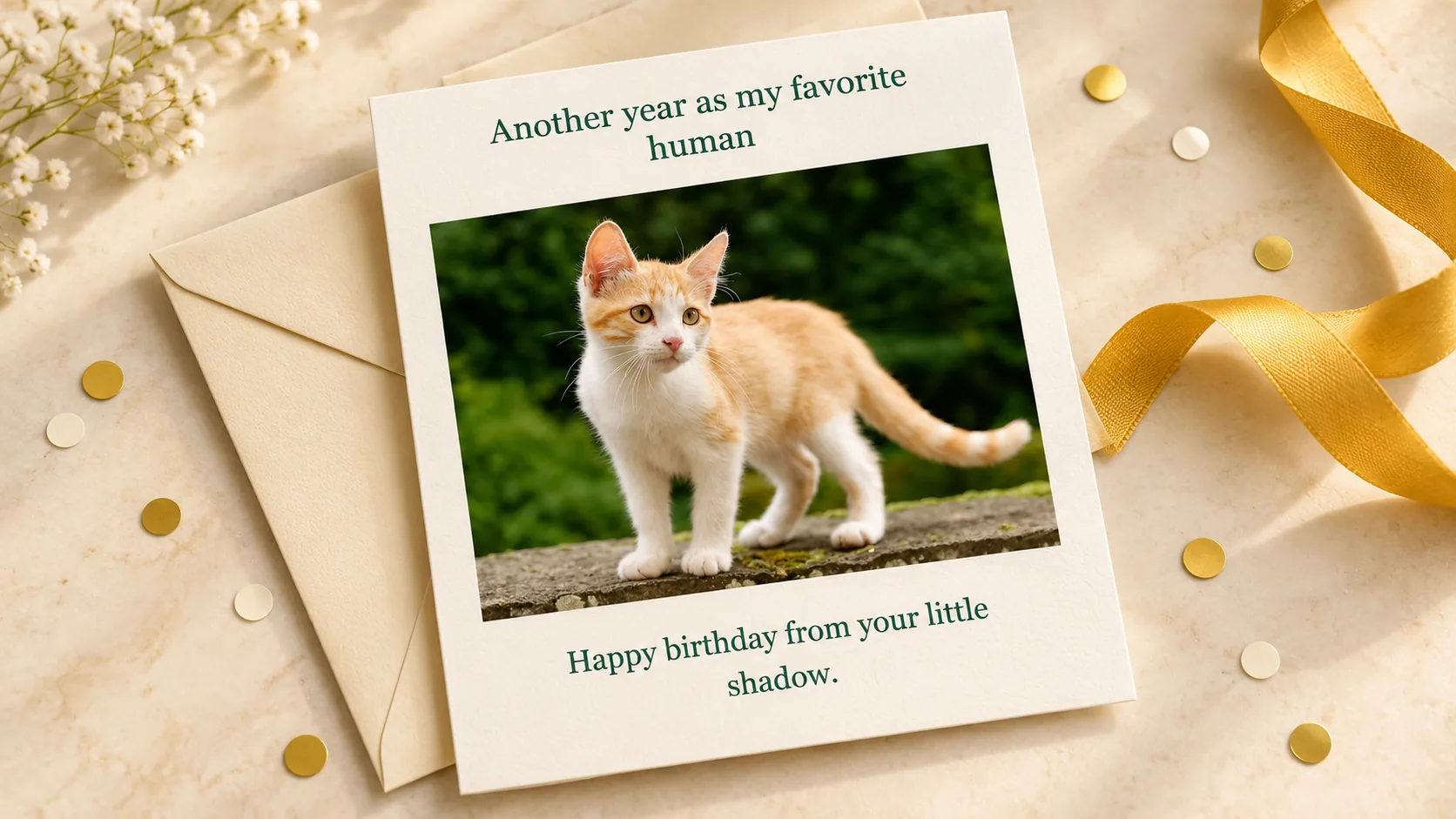
Table of Contents
A cat photo birthday card works best when it is clear who is celebrating: a person receiving a message “from” their cat, or a card marking the cat's own birthday or adoption anniversary. Choose that first, then build the photo and wording around it.
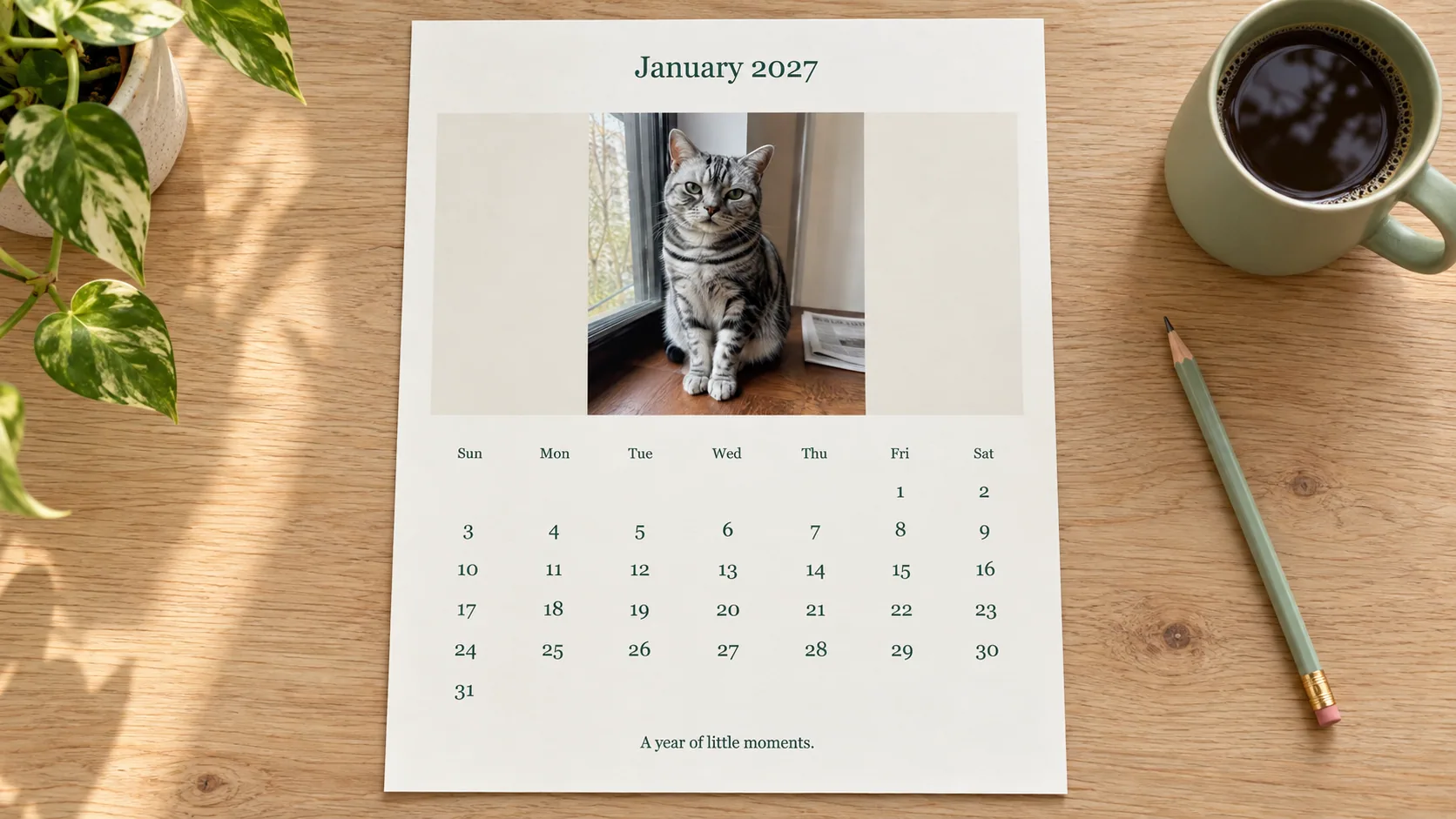
Open the editable birthday card. Add a photo and message locally, choose portrait or landscape, and export the finished design. No account is required.
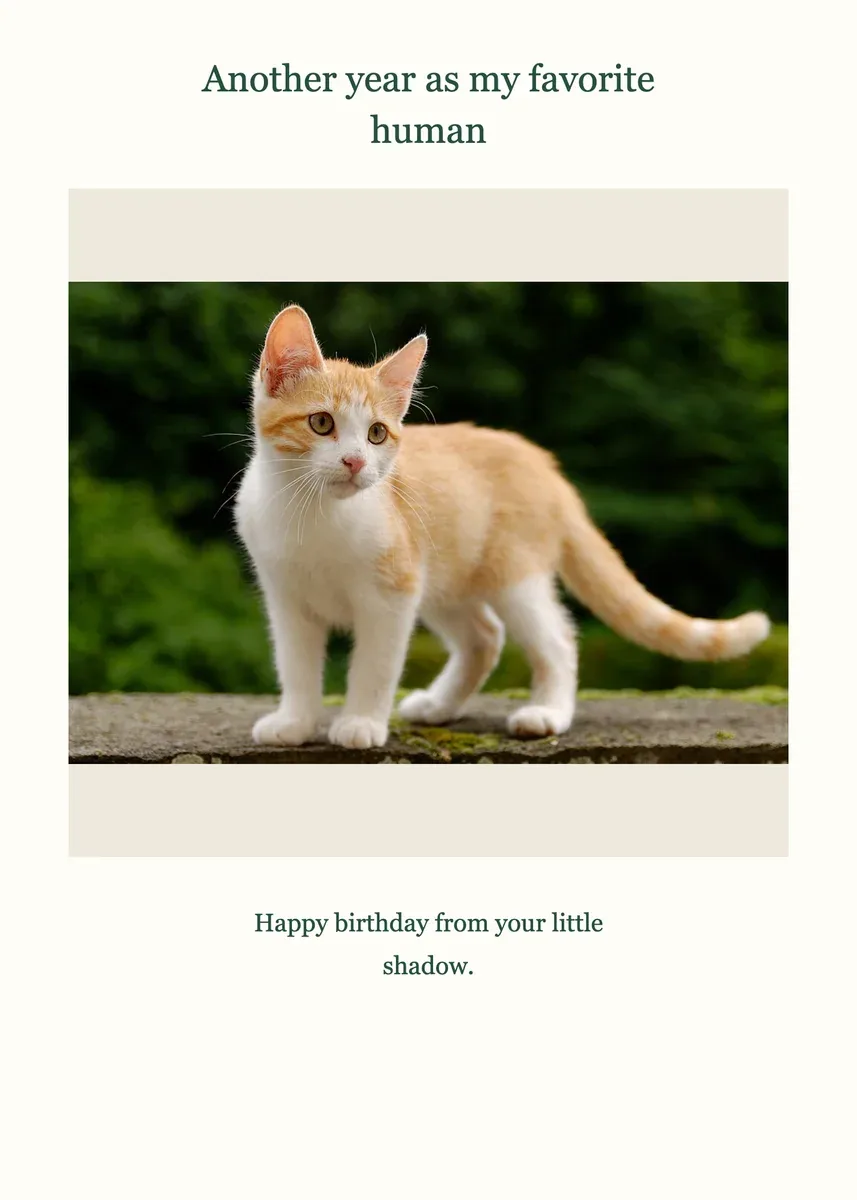
Actual digital export from the linked local tool, using a Frameow reference image. This is a layout example, not a physical print proof.
Four ideas with different jobs
| Recipient | Photo | Message direction |
|---|---|---|
| A cat parent | The cat looking toward the camera | A playful first-person message |
| A friend who knows your cat | A recognizable everyday pose | An inside joke you both understand |
| A child receiving a family card | A clear, friendly photograph | Simple wording an adult helps personalize |
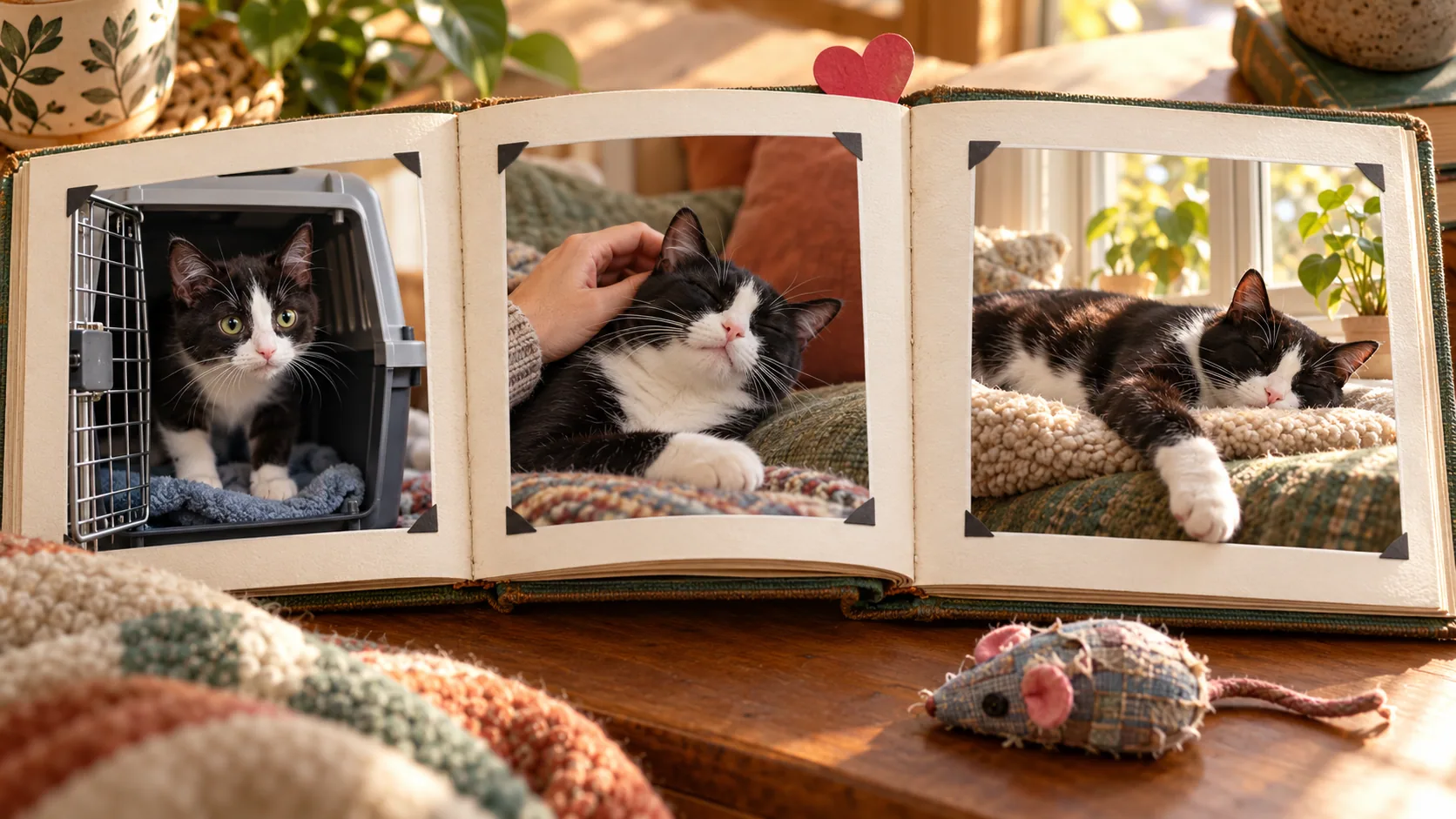
| Your cat's keepsake album | A photo from this year | Age, date or adoption milestone, if known |
Do not invent a birthday for a rescued cat as a historical fact. You can call it an adoption anniversary or simply a day you celebrate together. For a person, avoid including their age unless you know they welcome it.
Fit the photograph instead of forcing a crop
A vertical close-up usually suits the 5 × 7 layout. A sleeping cat, two cats or a wide scene suits 7 × 5. The editor fits the whole image inside its photo area, so an unusual shape may leave space around it. That is preferable to cutting off ears accidentally.
For a multi-photo design, save the SVG and arrange additional photos in a vector editor, or make separate story pages. This editor's card layouts contain one photo; they do not automatically build a collage. Use the original photograph rather than a screenshot of a messaging app.
Original messages to adapt
- “Another year as my favorite human.”
- “Happy birthday. I saved you the warm side of the sofa.”
- “Your present is my company. You are welcome.”
- “More birthdays, more window watching together.”
- “Celebrating another year of your excellent lap.”
- “One year since this little face came home.”
Personalize one detail, not every word. “Your excellent lap” might become “your blue desk chair” if that is the cat's favorite place. A message that refers to a real shared habit is more effective than adding several unrelated cat puns.
A complete example to make in the editor
For a birthday message from a cat called Maple, choose Flat 5 × 7 card, add a portrait photo, set the heading to Happy birthday, Alex!, and use Another year as my favorite human. Love, Maple. as the message. Maple and Alex are example names; substitute your own.
Save the editable project before leaving the page. Export a PNG for sending and, if needed, an SVG for changing text in a vector editor. The portrait PNG is 1500 × 2100 pixels; the landscape card is 2100 × 1500. Both correspond to their stated dimensions at 300 pixels per inch, without adding detail to a small source photo.
Reopen the PNG to check the name, photo and full message. Reopen the saved project in the editor if you want to make a second version: refreshing the page alone does not preserve your changes. Rename finished files for their recipients so later exports do not become an indistinguishable series of cat-card copies.
Send it or prepare a print
The exports are flat designs, with no fold line or print bleed. For a folded card, mount the design on a larger folded sheet or use the commercial printer's own panel template. Check envelope size before printing. Keep the source photo: a 300-PPI layout does not restore detail missing from a small image.
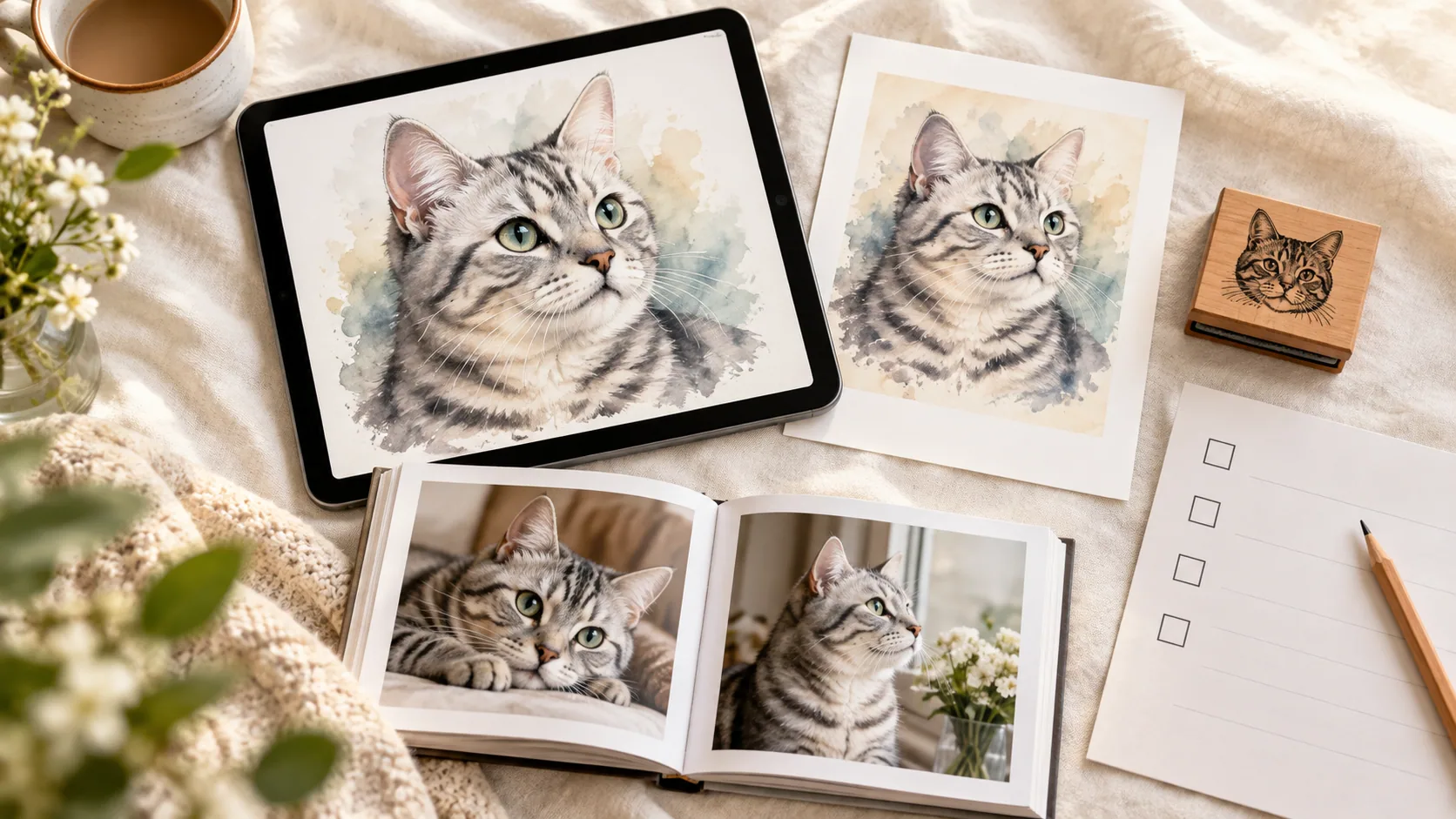
A Frameow portrait can replace the photo if an illustrated version suits the recipient. Compare portrait styles, then inspect the generated markings before adding it to the card. Frameow supplies the digital portrait; printing and delivery are separate.
Final proof
Read names and dates aloud. Check the export at its intended size, not only zoomed in. Send a test image to yourself if it will be delivered digitally. Keep the high-resolution file as well as any smaller sharing copy, and include a personal note when you hand it over.
Image credit
The kitten in the editor example and derived cover is Gawain, photographed by Marie-Lan Nguyen, used under CC BY 2.5. The example applies a layout or color treatment; the cover adds an AI-generated display scene.
Cat portrait tutorials, creative gift ideas, and new styles from the Frameow team.