
How to Make a Pet Photo Calendar with Your Cat’s Photos
Make a cat photo calendar with a local editable template, a twelve-month photo worksheet, date checks and clear guidance for exporting each page.
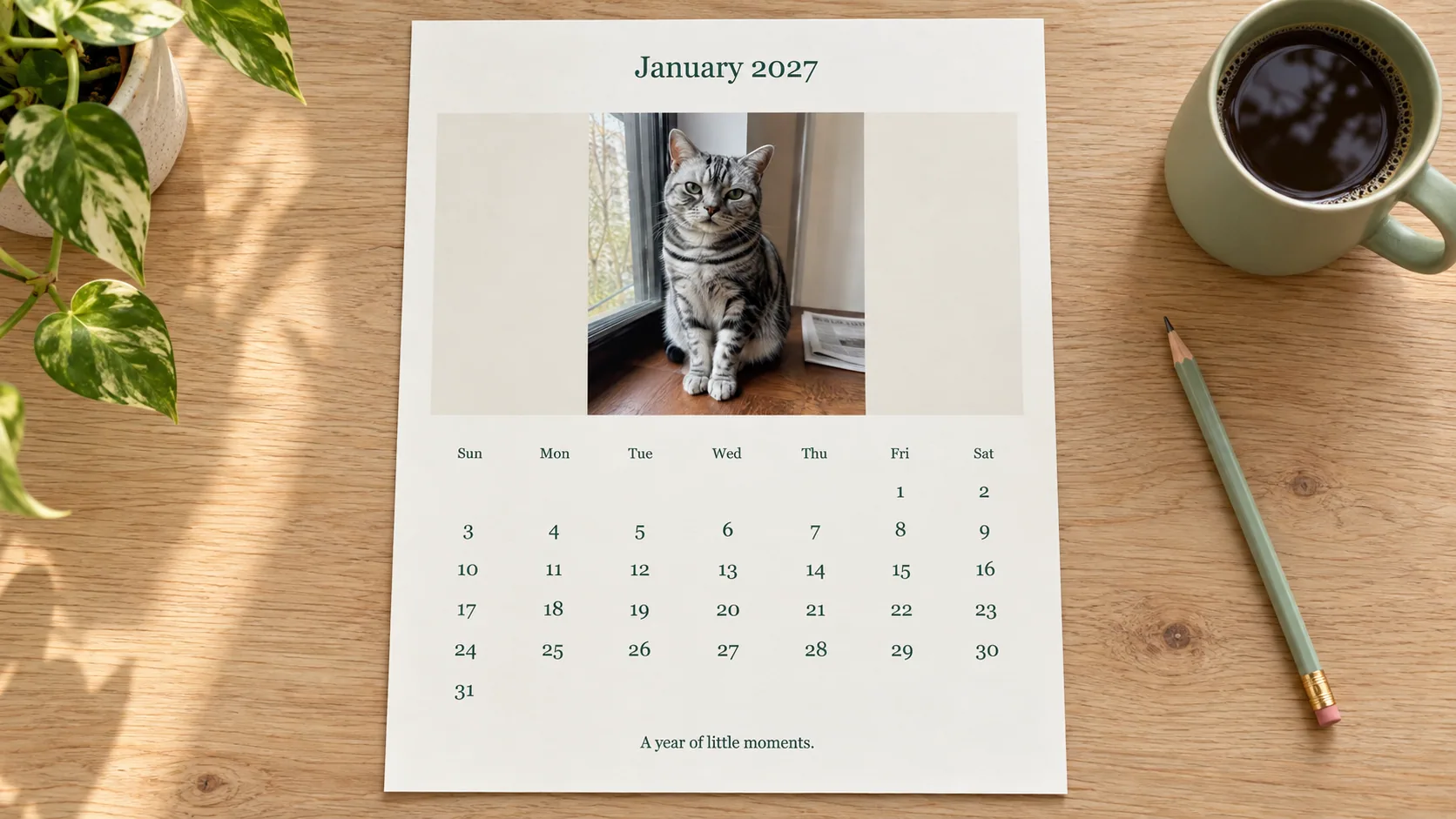
Table of Contents
A useful cat photo calendar needs twelve suitable photographs and correct dates. Build one repeatable layout, then check each month individually. The date grid matters more than a different decoration on every page.
Open the editable calendar page. It lets you choose a year, month and Sunday or Monday start. It exports one 8 × 10 page at a time, with a photo above the calendar. Holidays and personal events are not prefilled.
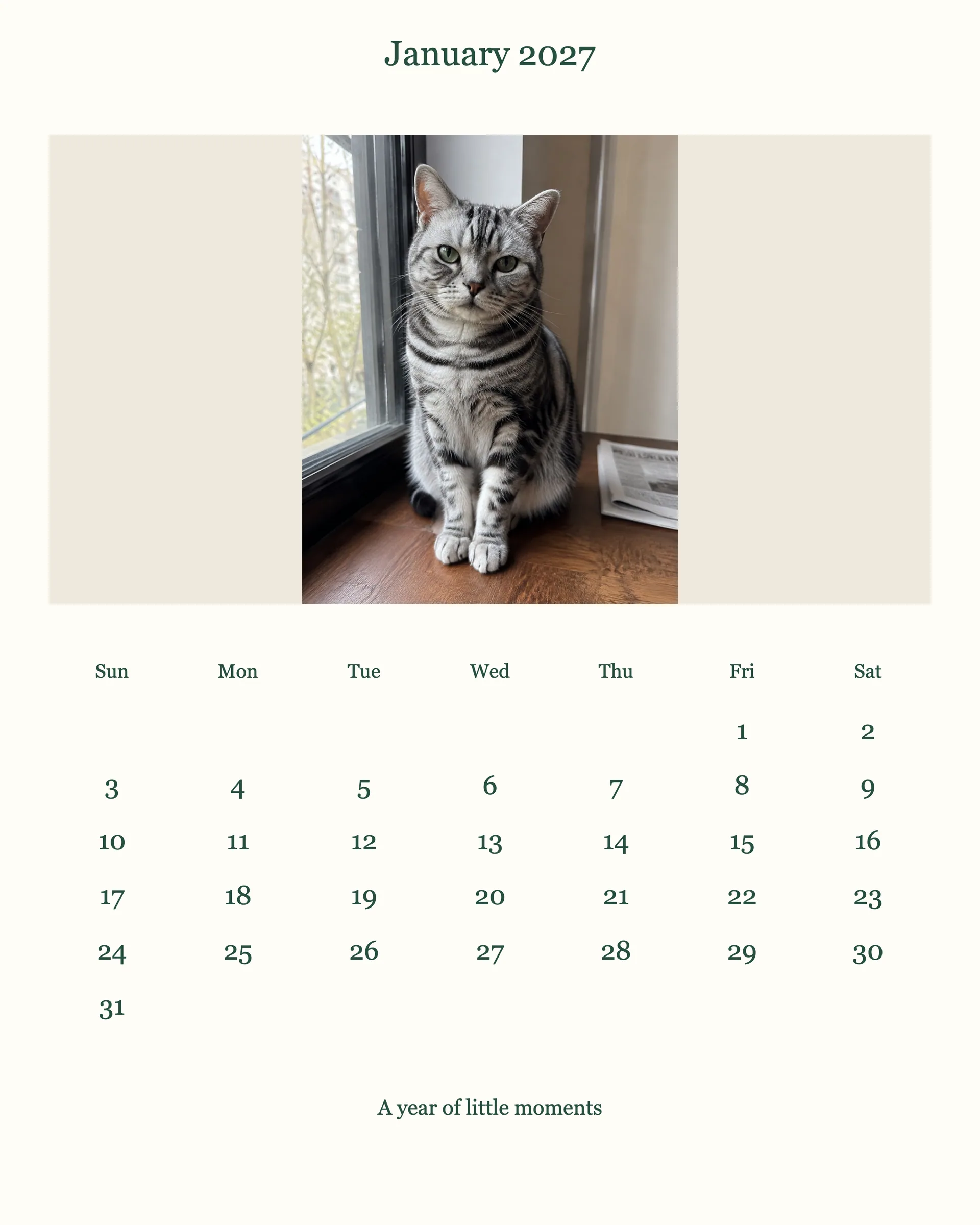
Actual editor PNG with a synthetic demonstration cat photo, Sunday-first layout. January 1 is Friday; this is a digital export, not a print or binding test.
Choose photographs for the whole year
Use the twelve-row photo worksheet before editing. Give each month a filename and a short caption. Vary the scene: a face, a full-body pose, a sunny room, a favorite blanket. You do not need twelve staged seasonal shoots.
Keep a spare image for any month whose photo does not fit. A wide image in a shallow photo box is easier to use than a very tight vertical face. The editor preserves the complete photograph and adds space around it when necessary.
Avoid assigning a photograph only because its colors match a holiday. First check that the subject is clear and that the original file has enough detail. Seasonal text can supply the occasion without making the cat pose with props.
Build and save January first
- Choose the target year and January.
- Choose the first day of the week used by the recipient.
- Select the photo and add a short caption.
- Save the editable project as
calendar-2027-01.json, changing the year as needed. - Export the PNG, then open it separately and inspect both photo and dates.
- Repeat for the remaining months, saving a distinct project and export each time.
The year input supports 1900 through 2100. The layout uses the selected year's month lengths, including leap years. Changing the displayed month changes the grid; editing the message does not change a date. The template does not schedule reminders or synchronize with a calendar app.
Check the dates, then package the year
For a 2027 calendar, January 1 is Friday and February has 28 days. A Monday-first January has four empty cells before the first; a Sunday-first layout has five. Switching the week start changes column order, not the date's weekday.
For a leap-year comparison, February 2028 starts on Tuesday and has 29 days. Regenerate the dates for the selected year rather than changing the year label on a flattened picture.
For each of your twelve exports, verify the month, year, first weekday, number of days and final date against an independent calendar. Name the PNGs 2027-01.png through 2027-12.png, using your actual chosen year, and keep their matching JSON projects separately. Review the set as thumbnails for duplicate photographs or missing months, then inspect dates at full size.
Include a note with the year and Sunday/Monday convention when sharing. The tool produces one page at a time; it does not bundle a PDF, add holidays or synchronize reminders.
Decide how it will be used
| Use | What to prepare |
|---|---|
| Digital monthly image | PNG and a clear filename |
| Loose printed pages | A small print proof and a suitable holder |
| Bound wall calendar | Printer's required page template, binding allowance and ordering sequence |
| Desk calendar | A layout sized for the actual stand, rather than a scaled guess |
The supplied page is 2400 × 3000 pixels with no bleed or binding allowance. It is a starting layout, not a ready specification for every calendar manufacturer. Confirm the chosen printer's requirements before ordering.
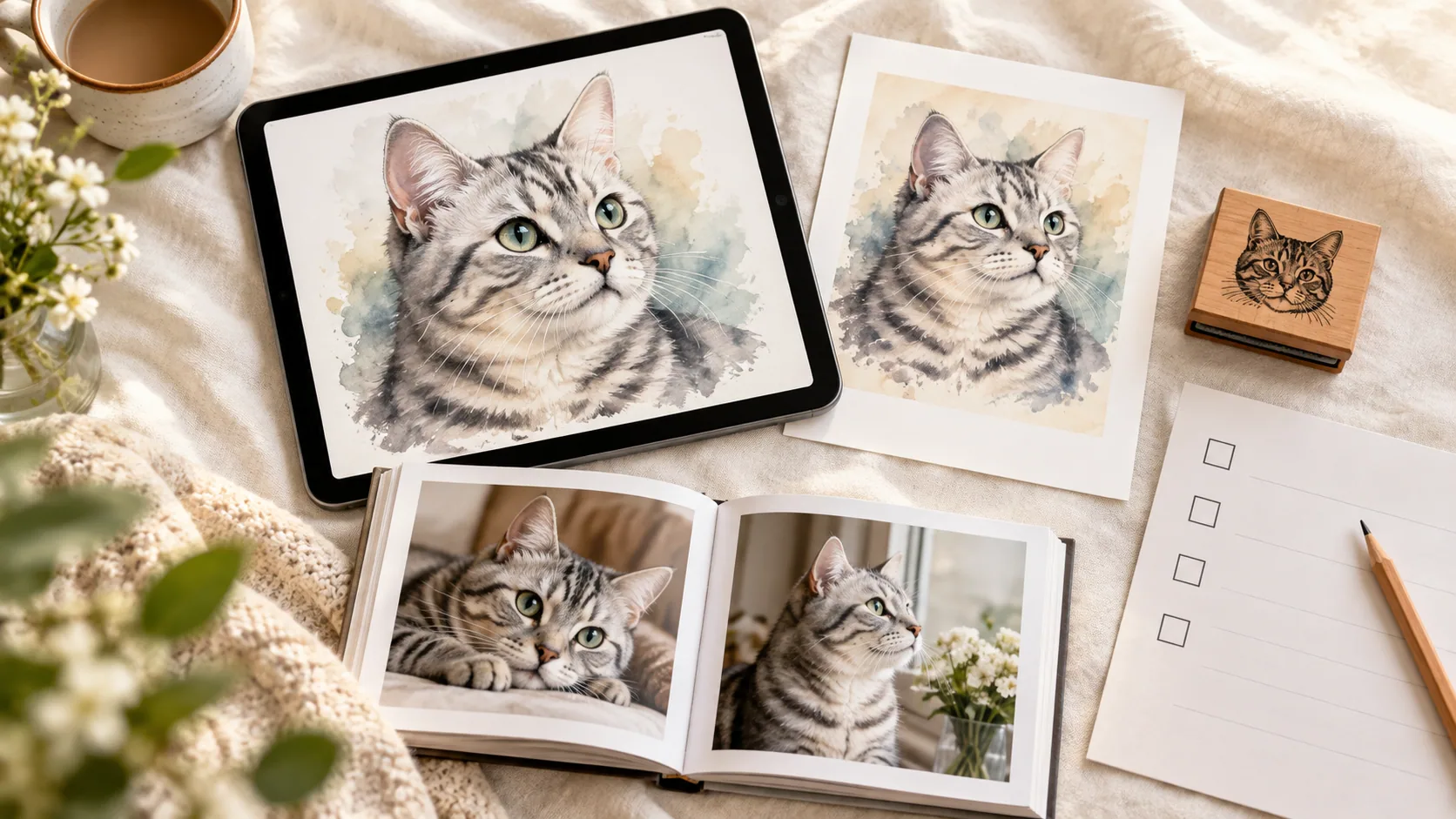
A Frameow portrait can be an occasional illustrated month among real photos. Check print preparation and keep the source file. Frameow supplies digital portraits, not physical calendars.
Before gifting, include the complete year, check page order, and keep the editable projects. Next year's dates should be regenerated; replacing the year in a flattened picture does not fix its weekday grid.
Cat portrait tutorials, creative gift ideas, and new styles from the Frameow team.