
How to Print Digital Art: Size, Cropping and Paper
Check your file size, choose a print size, avoid unwanted cropping and prepare digital art for a home printer or print shop, with worked examples.
Table of Contents
Before printing a digital cat portrait, check two things: does the picture fit the paper's shape, and does the file have enough pixels for the size you want? Matching the shape prevents unwanted cropping. Checking the pixels helps you avoid ordering a large print from a small image.
Start with the downloaded artwork file, rather than a screenshot or a saved gallery thumbnail. Frameow provides digital portraits; you arrange paper prints and frames separately.
Find the pixel dimensions first
Open your image's file information or an image editor and find its width and height in pixels. Write down both numbers. File size in megabytes does not tell you how large the picture can print.
For a useful reference point, Printful's file guidelines specify 300 DPI for paper prints. We use 300 pixels per inch (PPI) for the image calculations below. Your chosen print service may have different requirements, so check its instructions before ordering.
Divide each pixel dimension by the target PPI to calculate the corresponding size in inches:
Print width = pixel width ÷ PPI. Print height = pixel height ÷ PPI.
For example, a 2,400 × 3,000-pixel file provides 300 PPI at 8 × 10 inches. A file with half those dimensions provides 150 PPI at the same print size. Neither the filename nor changing a resolution label adds the missing image detail.
A worked example from our watercolor collection
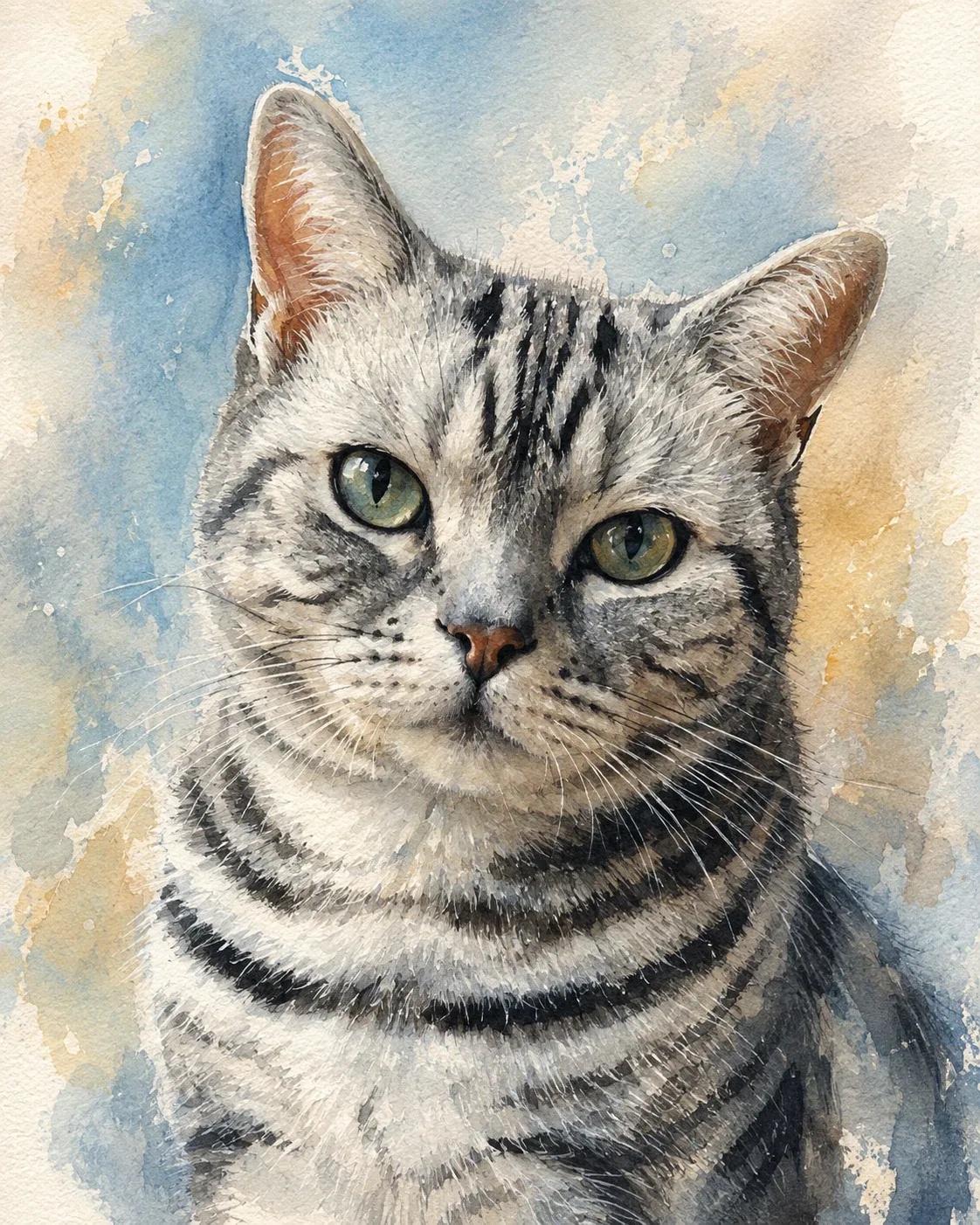
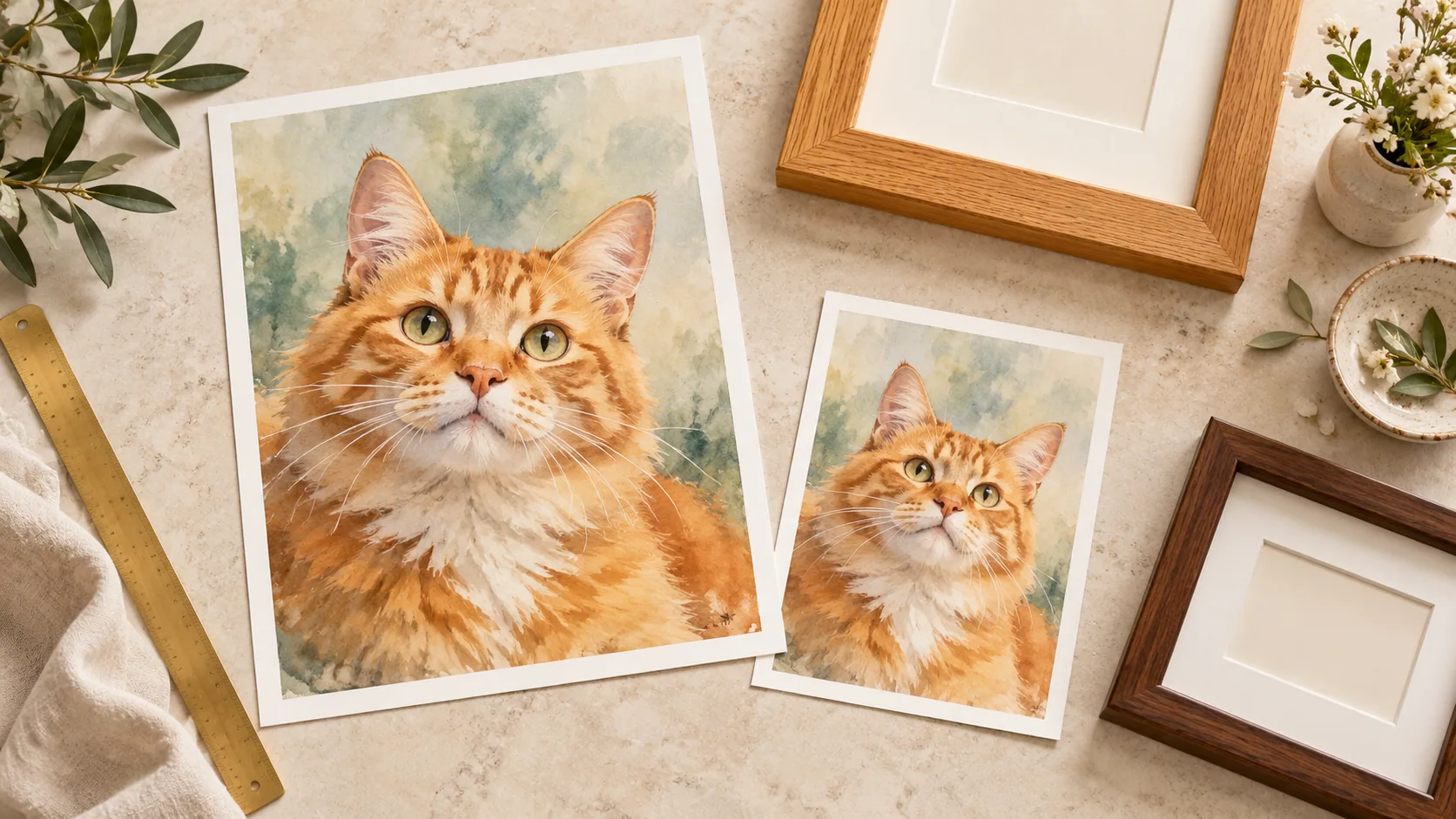
This is a Frameow website example, measuring 1,122 × 1,402 pixels. We use this particular web file to demonstrate the calculation. It is not a specification for your downloaded artwork or a photograph of a printed result.
The example is almost exactly 4:5 in shape. Its pixel density changes with the size of the printed image:
| Printed image area | This example provides | Pixels needed at 300 PPI |
|---|---|---|
| 4 × 5 inches | About 280 PPI | 1,200 × 1,500 |
| 8 × 10 inches | About 140 PPI | 2,400 × 3,000 |
At 300 PPI, the web example works out to approximately 3.74 × 4.67 inches. Both rows in the table preserve essentially the same composition, but neither reaches 300 PPI from this file. A print shop may accept lower resolution; that does not mean the result will have the same detail as a higher-resolution original.
Notice the fine whiskers, eye outlines, and textured washes. These give you specific areas to inspect in a proof. We have not physically test-printed this example, so the table describes pixel density, not a guaranteed print-quality result.
Repeat the calculation using your own download's dimensions before selecting a size. If the result falls below the printer's requirement, choose a smaller image area or ask the printer to assess the file. Frameow does not currently offer image enlargement.
Why a 4:5 portrait needs a decision on 4 × 6 paper
A 4 × 5 print and an 8 × 10 print share the same 4:5 shape. A 4 × 6 print has a different shape: 2:3. Selecting the latter does not simply make the same composition larger.
For an ideal 4:5 portrait placed on vertical 4 × 6 paper, there are two common choices:
- Fit the whole picture. Print the image at 4 × 5 inches, leaving an extra inch of paper height. If centered, that means a half-inch blank band above and below it.
- Fill the paper. Enlarge the picture to 4.8 × 6 inches, then remove 0.4 inches from each side for a centered crop. Anything near the left and right edges is at risk.
These measurements assume an exact 4:5 image, centered placement, and no additional printer bleed or trimming.
Inspect the actual crop preview before paying. Keep the ears, whisker tips, chin, and any details you care about inside the retained area. If a tighter crop spoils the portrait, use borders or choose paper with a closer aspect ratio.
Also check the frame's visible opening. A mat or frame lip can hide part of the print even when the digital crop looks right. Leave room around the cat rather than placing an ear exactly on the edge.
Prepare a file the print shop can use
Keep your original download unchanged and prepare a separate copy if the printer needs adjustments. Check the service's accepted format, resolution, color profile, and any bleed instructions. For example, Printful's guidelines list PNG and JPG; other services may differ. Renaming a file extension does not convert the image.
Be explicit about the image area, not just the paper size. A 4 × 5-inch picture centered on 4 × 6-inch paper is a different order from a borderless 4 × 6-inch picture.
If you are uncertain about paper finish or color, ask for the shop's samples or a proof before ordering several copies. Screen appearance alone cannot confirm the finished print's color or surface texture. A digital crop preview helps you check composition; a physical proof lets you judge the actual printed result.
You can send this short brief with your file:
My image is [width] × [height] pixels. I want an image area of [width] × [height] inches on [paper size]. Please preserve the full composition and use borders if needed. Let me know before cropping or enlarging it, and confirm whether the resolution and file format meet your requirements for this size.
Before you place the order
- Use your downloaded artwork and check its actual pixel dimensions.
- Calculate PPI for the intended image area, accounting for any crop.
- Review the printer's preview for lost ears, whiskers, and background details.
- Confirm borders, paper size, and the frame's visible opening.
- Check file requirements and request a proof if the result is uncertain.
If you already like your portrait, start with that file and the size calculation. If you are still choosing a look, our cat portrait style guide compares the options, and the Watercolor Storybook collection shows more examples.
Cat portrait tutorials, creative gift ideas, and new styles from the Frameow team.