
Digital Art File Formats: Save, Share and Print
Choose JPEG, PNG, SVG or a working file for your next task, compare real sample downloads and preserve the master before exporting.
Table of Contents
Keep an editable master, then export a copy for the job: JPEG for many photo-sharing workflows, PNG when you need lossless raster detail or transparency, SVG for genuine vector artwork, and a printer-specified format for production. A file extension alone does not tell you its resolution or whether its contents are editable.
Choose by the task
| Format | Useful for | Important limitation |
|---|---|---|
| JPEG | Photographs and broadly compatible sharing | Lossy compression; no alpha transparency |
| PNG | Lossless raster copies, graphics, transparency | Still made of a fixed number of pixels |
| SVG | Vector paths, shapes and editable text | Can also contain embedded raster images; not automatically all-vector |
| A document or print workflow that requests it | Can mix text, vector and raster; inspect the export settings | |
| Layered working file | Continuing work in the originating editor | Compatibility depends on that application and format |
| TIFF | Some image-archiving or print workflows | Large files; not required by every printer |
Keep the native working file if you need layers, masks or adjustment history. Exporting a flattened PNG does not preserve all of those simply because the pixels are lossless.
Inspect real sample files
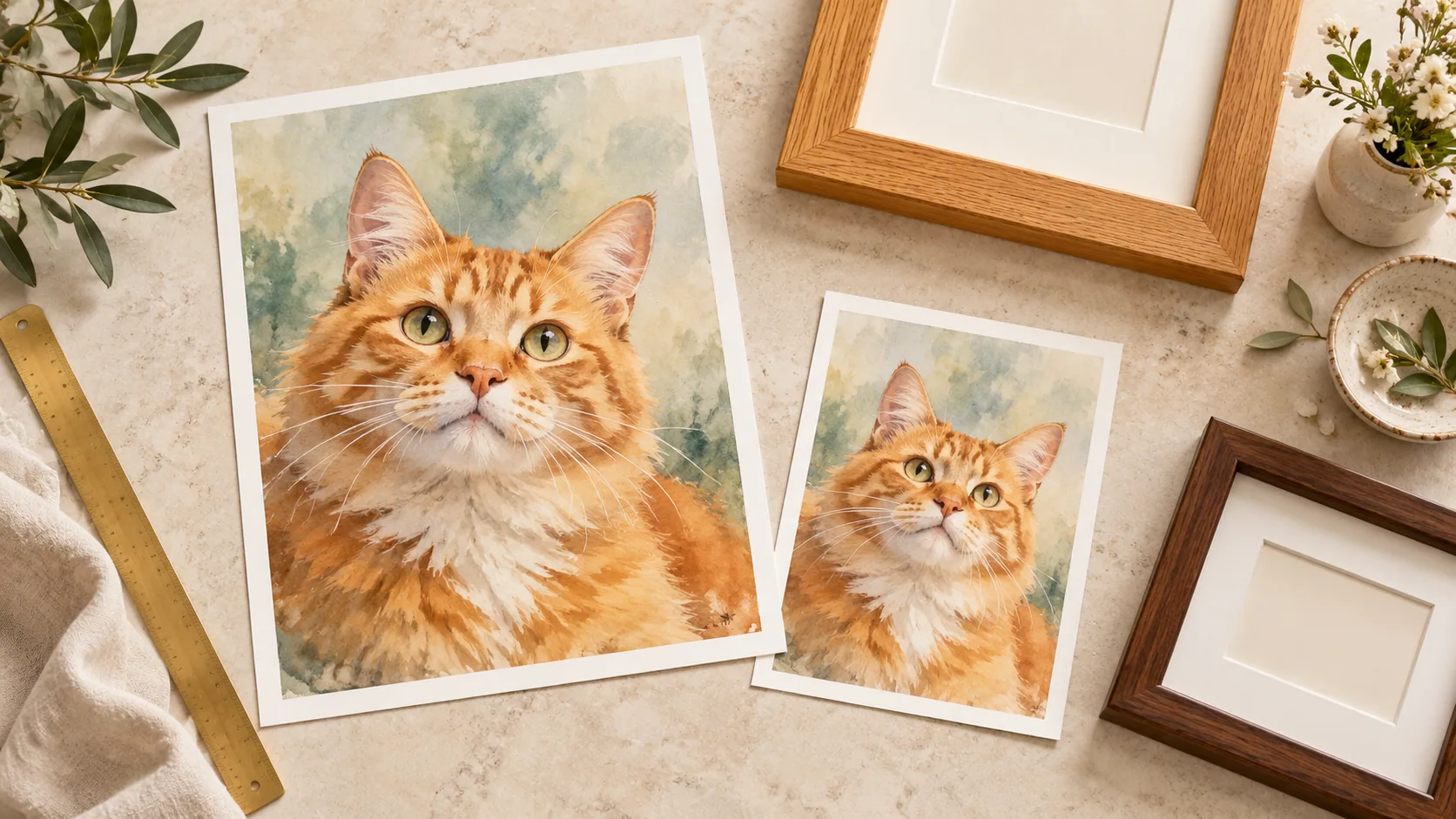
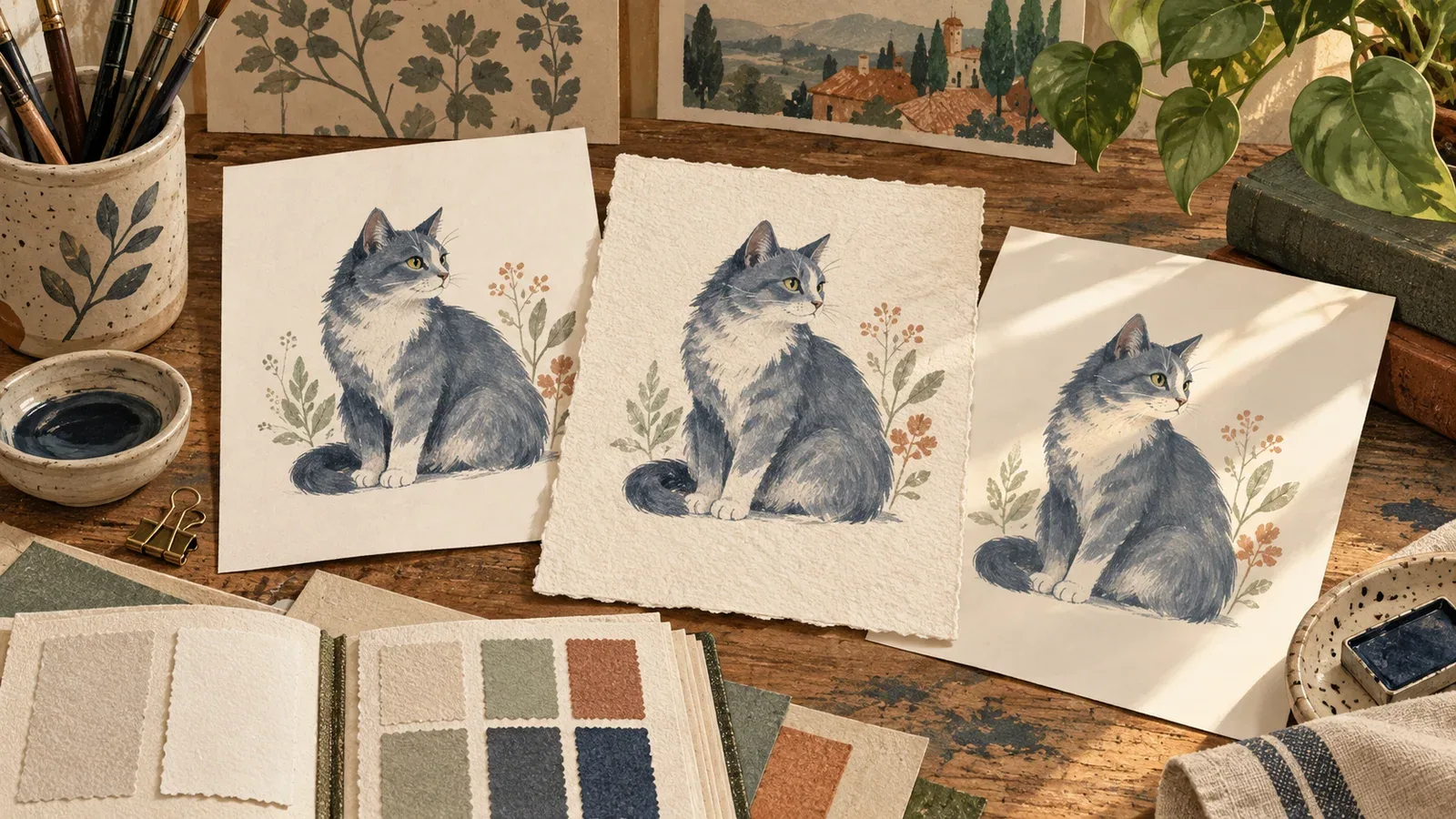
These two downloads contain the same AI-generated cat portrait in different raster formats:
Open each at the same displayed size. Both contain pixels; compare the JPEG’s compressed detail against the PNG. For an example of actual editable vector geometry, open the blank practice grid. Its lines are vectors, unlike the cat portrait. Zooming into the raster versions eventually reveals their pixel limit. Saving the JPEG inside an SVG wrapper would not recreate the original paths.
The sample has an opaque background, so it is not a transparency demonstration. To test transparency in your own file, open it against two different background colors; a white area may be white pixels rather than transparent space.
Use three files for three different jobs
For a cat-photo birthday card, keep the project file to reopen in the editor, export an SVG if you need to edit the text in a vector editor, and send a PNG when the recipient just needs the finished picture. Those files are not interchangeable. A project JSON is not a viewable card; an SVG may still contain the original raster photograph; a PNG no longer has editable text objects.
For pixel art, keep the small PNG master and export a separate enlarged PNG. For a photographic portrait, keep the full downloaded image and make any smaller sharing copy from it. A printer may request a PDF, TIFF or JPEG; use its requirements before converting. Never change only a filename extension to pretend a conversion took place.
The MDN image-format reference documents JPEG's lossy compression, PNG's lossless raster storage and SVG's vector representation. Our downloadable samples let you inspect those distinctions using the raster portrait and separate vector grid.
Dimensions matter more than a filename
A 1500 × 2100 pixel image has a 5:7 aspect ratio. At a chosen output density of 300 pixels per inch, it corresponds to 5 × 7 inches. At a larger physical size, fewer pixels are available per inch unless the file is resampled. Resampling can create more pixels without recovering missing original detail.
Check width and height in an image-information panel. A filename such as high-resolution-final.png is not evidence. A DPI metadata field is also not the same thing as increasing the number of pixels.
PNG, TIFF or JPEG: which preserves the picture?
A losslessly saved TIFF and a PNG can preserve the same raster pixels. TIFF is not automatically sharper because the file is larger. JPEG can be useful for a compatible delivery copy, but repeated lossy saves are a poor way to preserve your only master. Follow the destination's requirements and keep the source independently.
Likewise, 300 versus 600 PPI is a size calculation, not a quality switch. A 3000-pixel-wide image supplies 300 pixels per inch at 10 inches wide, or 600 at 5 inches wide. Changing the metadata alone does not add original detail. Choose the intended physical size, inspect the available pixels, then make any requested output conversion on a copy.
Export without losing the master
- Save the editable source with a clear name.
- Duplicate or export rather than overwriting it.
- Choose dimensions for the intended display or printer.
- Follow the destination's color-space and format requirements.
- Open the exported file independently and inspect edges, transparency, crop and text.
Avoid repeatedly editing and re-saving the same JPEG as your only master. Keep one high-quality source and generate sharing copies from it.
What this means for Frameow images
A generated portrait is a raster image even if the style resembles line art or a print. Download it and inspect its actual format and dimensions; do not assume a vector file, editable layers or a particular print size.
The photo studio can export a card as SVG with editable text and an embedded photograph. That makes the layout editable, but the photograph inside remains raster. For physical output, use the print preparation guide and the printer's current requirements.
Cat portrait tutorials, creative gift ideas, and new styles from the Frameow team.