
Make a Funny Cat Wanted Poster With an Editable Template
Create a playful wanted poster with your cat photo, original joke prompts and a free editable 8-by-10 layout. Export PNG or SVG in your browser.
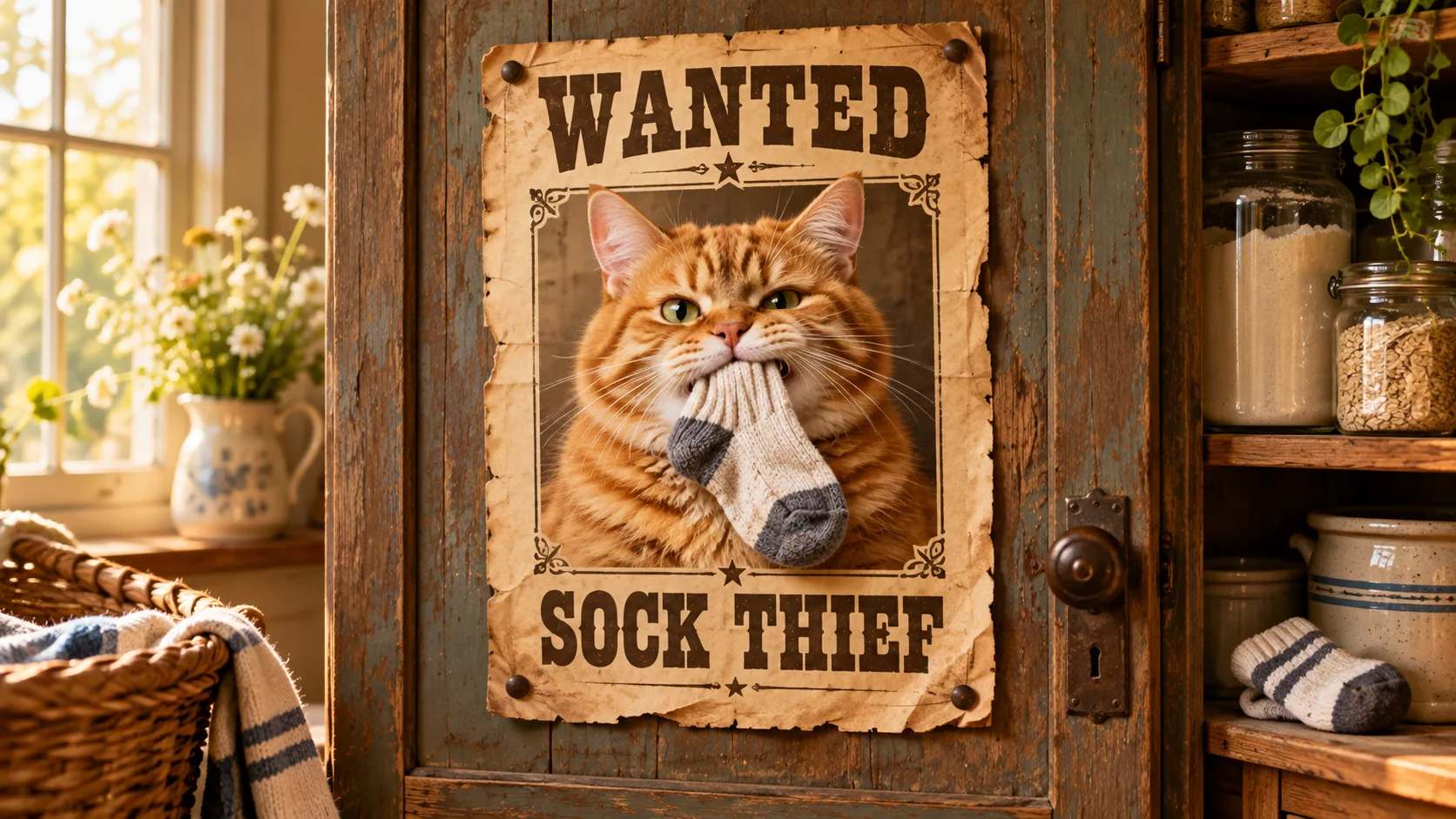
A funny cat wanted poster works best when the joke describes something your cat actually does. “Wanted for occupying every warm seat” feels personal because the reader can picture the crime. One clear photograph and one short accusation are enough.
Open the wanted-poster editor, or download the finished AI-illustrated sample PNG. The editor runs locally in your browser and does not upload your photograph.
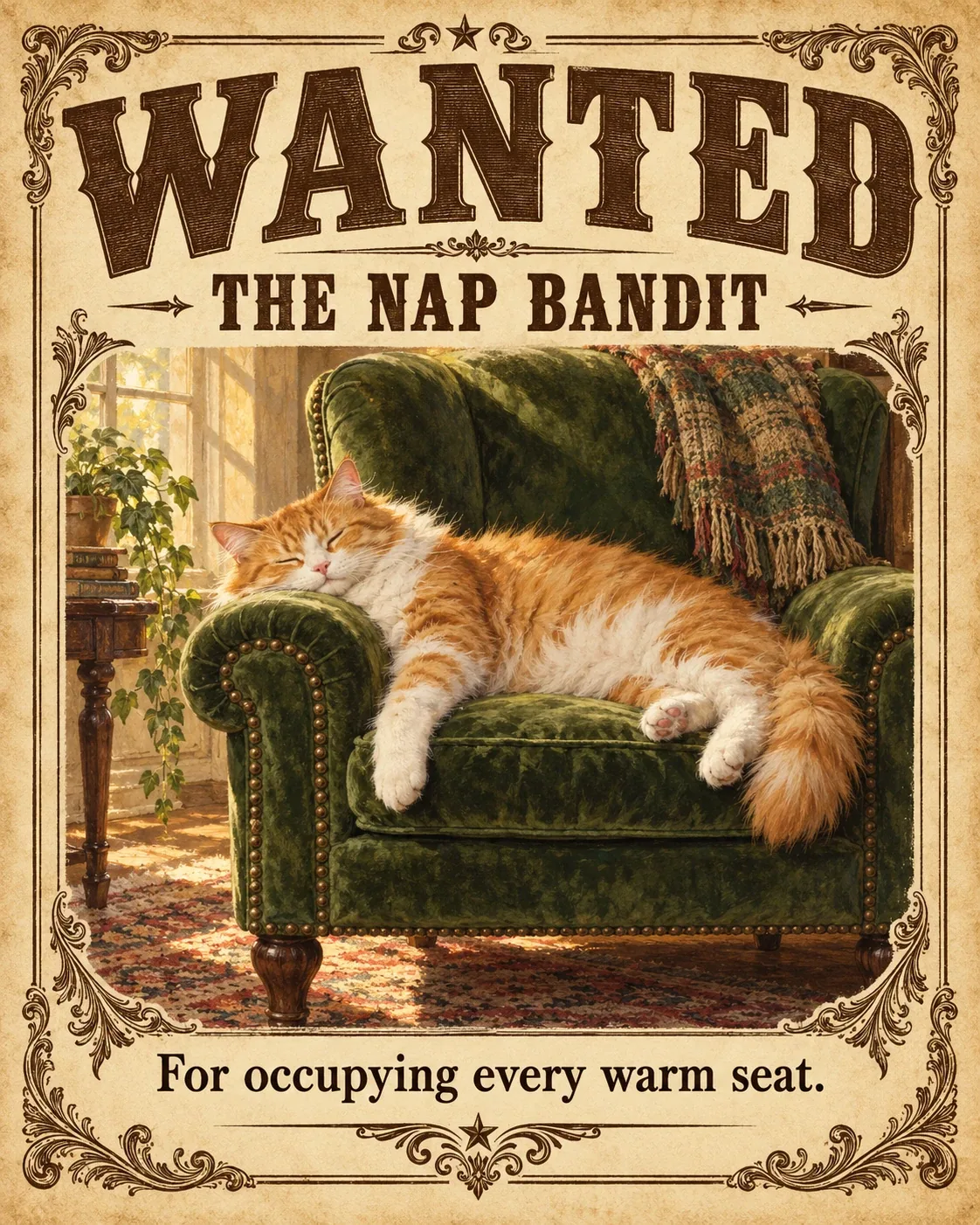
Finished AI-generated poster, separate from the editable photo layout. Use the editor for your own cat and wording.
Give the joke three parts
Use a short heading, an alias and a charge. These original examples fit the template:
| Alias | Charge |
|---|---|
| The Nap Bandit | For occupying every warm seat. |
| Inspector Crumbs | For inspecting an unattended sandwich. |
| Captain Keyboard | For sending emails with four paws. |
| The Curtain Critic | For reviewing the living room from above. |
| Midnight Orchestra | For rehearsing when everyone is asleep. |
Keep the humor affectionate. This template is for a playful keepsake; if you are looking for a missing cat, use a clearly labeled lost-cat notice with current contact details instead.
Make your poster
- Open the editor and leave Wanted poster selected.
- Choose an owned or authorized JPG, PNG or WebP. The complete picture is fitted into the photo area without cropping.
- Change the heading, name and caption. Short names remain larger; the editor reduces long text to fit.
- Choose cream, blue or orange. Check that the photo still stands out from the border.
- Download PNG for a flattened picture or SVG for editable text and shapes.
The default cat picture is an AI-generated illustration, not a transformed version of your photo. The downloadable finished poster is separate from this editable photo layout. Refreshing clears your changes, so download before leaving.
Check the file at its intended size
The export is 2400 × 3000 pixels, a 4:5 ratio. At 8 × 10 inches that supplies 300 pixels per inch; at 16 × 20 inches it supplies 150. A small uploaded photo does not acquire extra detail merely because it sits on a larger canvas.
The poster has no bleed allowance. Ask your printer whether it needs bleed, then adjust a copy of the editable file to that specification. Do not select a full-bleed product and assume the decorative border will survive trimming unchanged.
For a phone message, check the reduced preview before sending. If the caption cannot be read, shorten it. If the poster will become a gift, add your real message separately so the joke does not have to carry everything you want to say.
Cat portrait tutorials, creative gift ideas, and new styles from the Frameow team.