
Make a Cat Sticker File in Your Browser
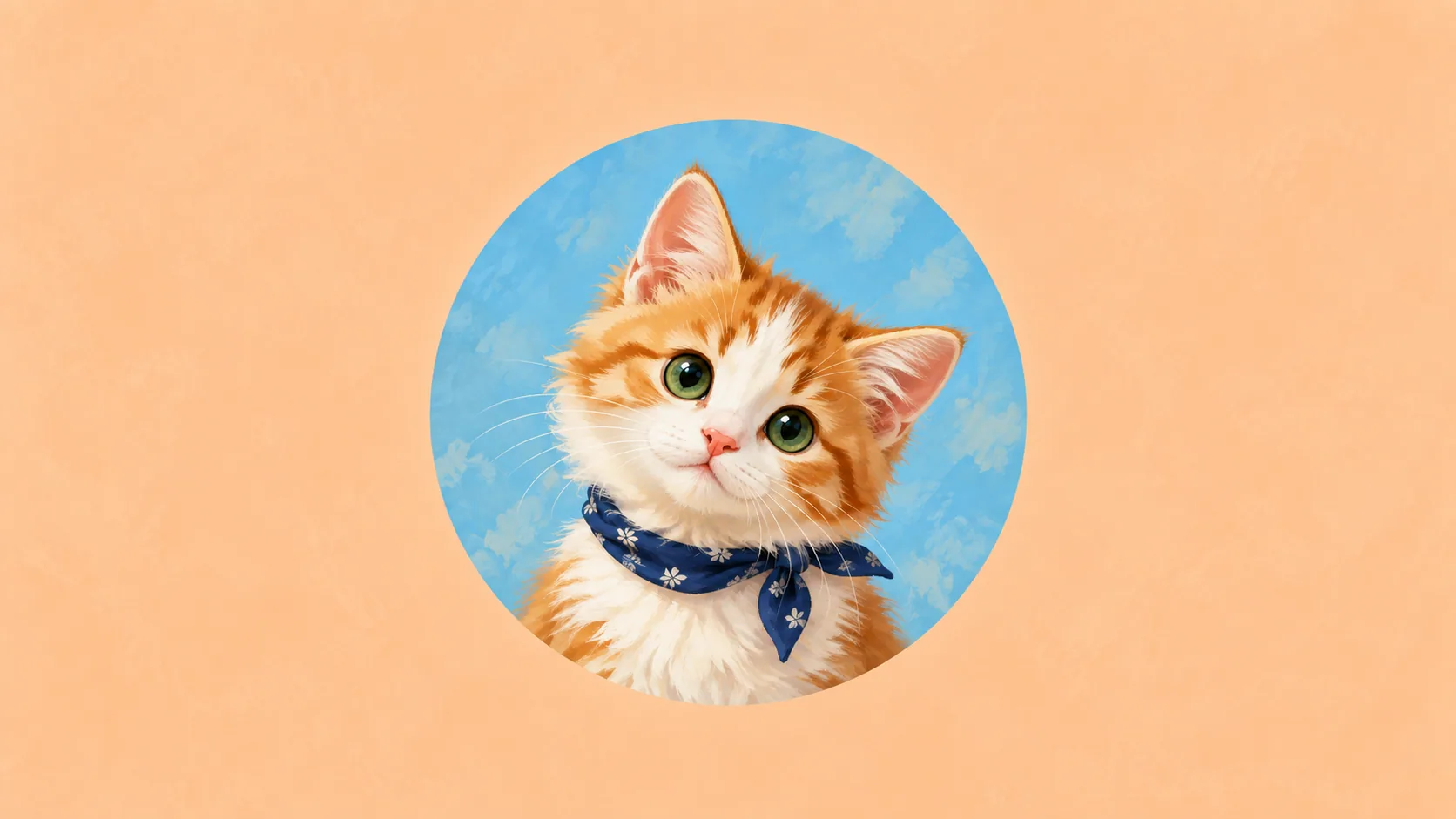
Create a square cat sticker design with a photo or original drawing. Export PNG and editable SVG, then check your printer’s separate cut-line requirements.
Table of Contents
A sticker maker needs to give you a usable file, not just a preview. Our local sticker editor creates a 1200 × 1200-pixel design with a rounded white backing, a picture and a short name. You can download PNG or editable SVG without an account.
It makes artwork for a sticker. It does not remove your photo background, create a manufacturer-specific cutting path or order physical stickers.
Build the design
- Open the editor with Square sticker selected.
- Choose an owned or authorized JPG, PNG or WebP, or keep the original cat drawing.
- Add a short name. The editor reduces longer text to fit, so review it at a small size.
- Select a palette and decide whether the area outside the white backing should be transparent.
- Download PNG for a flattened image and SVG if you want to continue editing text or shapes.
Your photograph remains in this browser. The download includes that image; share the file only when you intend to share the photograph. The editor does not save your work after the page is closed or refreshed.
Check the edges and background
The editor fits the entire photograph into its picture area. A rectangular background in the source therefore remains rectangular. Selecting a transparent outer background affects the canvas outside the sticker backing; it does not cut your cat out of the photograph.
If you want a shaped photo cutout, prepare a transparent image in an editor you know, then bring that PNG into the design. Inspect the ears and whiskers against a contrasting background before exporting.
Separate artwork from the cut path
A sticker printer may ask for a bleed area, a safe area and a separate cut contour. The white rounded backing in this file is visual artwork, not a certified contour for its cutter.
Send the file to your chosen printer and follow its current requirements. Review the proof for the intended finished dimensions, text clearance and any changes to the outline. Do not infer weather resistance, removability or dishwasher suitability from the artwork file; those depend on the physical product.
Keep an editable copy
At 4 × 4 inches, a 1200-pixel file has 300 pixels per inch. That calculation does not improve a small or blurry source photo. If you enlarge the sticker, check the effective resolution of both the final canvas and the photograph inside it.
Keep the SVG alongside the PNG so you can change a name or layout later. The embedded photo remains raster data, while the text and backing remain editable elements.
Cat portrait tutorials, creative gift ideas, and new styles from the Frameow team.