
Cat Photography Tips: Better Photos of Your Cat
Learn how to photograph your cat with natural light, clear focus and simple setups, then choose a photo that preserves their face and markings.
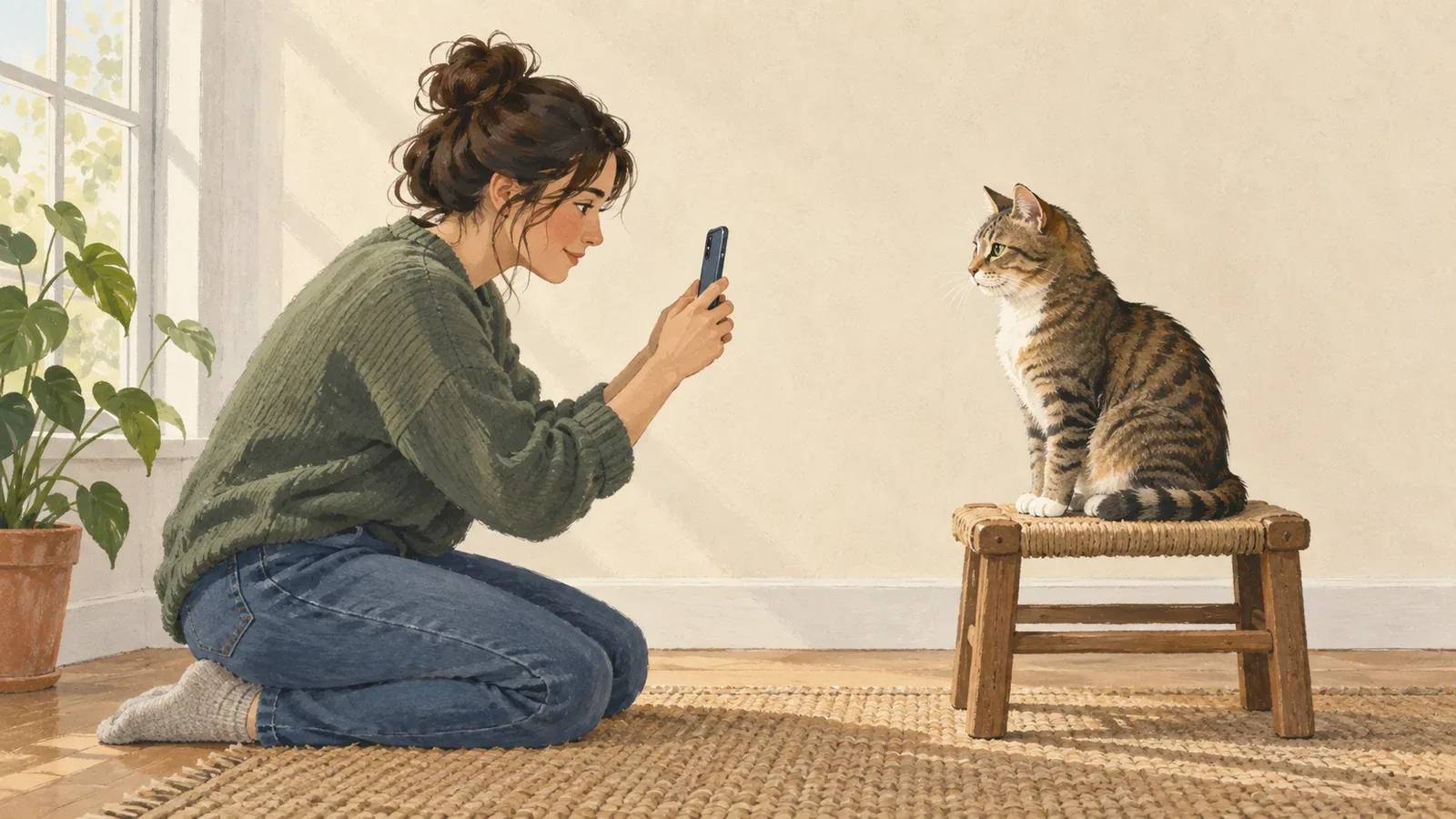
Table of Contents
Start with a photograph that lets you recognize your cat without guessing. Beautiful scenery is optional. A visible face, useful light, and the markings you care about are the important parts.
These suggestions help you choose an input; they do not guarantee an exact AI likeness. Each Frameow style has its own photo guidance, so check the creator before uploading.
Look for the details you want to keep
Open the original photo at a comfortable viewing size. Can you see the eyes, outline of the ears, muzzle, and the coat pattern around the face? If a white chin or a small patch beside the nose is part of what makes the cat recognizable, make sure that detail is visible.
A face hidden behind a paw or a bright reflection gives the model less information. If you have several similar photos, choose the one that shows the most useful facial detail rather than the one with the nicest background.
Choose useful light
Soft daylight is a sensible starting point because it often makes coat color and facial detail easier to see. You do not need to stage a photo shoot: an ordinary picture near a window may be enough.
Be more cautious with very dark faces, strong backlighting, harsh flash, or heavy color filters. A dark-coated cat still needs some visible separation between the eyes, muzzle, and surrounding fur. Check the image itself rather than assuming a camera’s automatic brightening has preserved those details.
Keep the whole face in the frame
For a face-focused portrait, keep the ears and chin visible and let the cat occupy a useful part of the photograph. Avoid cropping so tightly that you cut away the shape of the head. If the cat is a tiny figure in a large room, choose a closer original if you have one.
Follow the selected style’s instructions if it needs a different pose or more of the body. The number of photos and subjects supported is shown in that style’s creator; do not assume that every style can combine several cats.
Use the original when possible
Prefer the original image over a screenshot of a social post or a repeatedly forwarded copy. Enlarging a small picture changes its dimensions but does not reliably restore the missing facial detail.
Frameow does not provide image enlargement. The creator shows its supported upload formats and limits, so use those current controls as your guide rather than changing a file extension to make an upload appear compatible.
If it is the only photograph you have
For a cat you remember, or a moment you cannot take again, the available photo may be imperfect. Start with the clearest version you have and keep your expectations grounded in what it actually shows. A softer style may suit your taste, but it cannot guarantee recovery of hidden markings or missing detail.
You can compare the portrait styles before committing credits. Choose a result for how it feels to you; there is no need to rush a meaningful keepsake.
Before you generate
- Choose a photo you own or have permission to use.
- Read the style’s input guidance and compare its before-and-after examples.
- Sign in, upload the selected photo, and check the displayed credit cost.
- Review your generated portrait’s face and markings before downloading or sharing.
A new generation uses credits again. If the service marks a job as failed, its reserved credits are released or returned; a completed result that differs from your preferences is a different situation. Billing and generation help explains where to ask for support.
Uploads are not automatically published in the public collection. Selected source photos are processed by an AI provider, and temporary inputs are scheduled for deletion after seven days. Saved cat-profile photos follow a different retention period; see Privacy.
Ready to choose the look? Read our guide to cat portrait styles, or browse the collection.
A one-minute setup before you take the next photo
Clean the lens, find a familiar resting place, and get the camera close to eye level. Position yourself so daylight reaches the face instead of pointing directly toward a bright window behind the cat. Remove one distracting background object if it is easy to do; an elaborate set is unnecessary.
Tap or select the face to focus, take a short series, and inspect the eyes in one enlarged image. If the eyes are soft but the cushion is sharp, refocus. If the whole outline is smeared, steady yourself, add available light, or wait for a pause in movement. Increasing brightness afterward does not remove motion blur.
Alley Cat Allies' photo guidance supports patient, eye-level photography, clear original files and varied viewpoints. Camera controls differ, so treat a phone's exposure slider or portrait mode as a tool to inspect rather than a guaranteed improvement.
Match the fix to the problem
| What you see | A useful first change | Check before keeping the photo |
|---|---|---|
| Dark face against a bright window | Move around so light reaches the face | Eyes and muzzle visible without washing out the coat |
| Missing ear or chin | Take a slightly wider image | Complete head shape and room for later cropping |
| Sofa sharp, eyes soft | Focus on the face again | Eyes sharp in the saved image |
| Blurred outline during play | Photograph a pause with more available light | No doubled edge around the head |
| Unnatural coat color | Try softer light and remove strong filters | Markings resemble the cat in that light |
| Face hidden by clutter | Change the camera angle | No distracting object crossing the face |
Make one adjustment, then take another picture. The table is a practical troubleshooting checklist, not a set of physically tested before-and-after photographs. Keep an imperfect original if it records a moment you love; select the clearest reference separately when making a portrait.
Take a face, a scene and a detail
A useful small set has three different jobs: a face photograph shows identity, a wider scene records the place, and a close detail preserves a familiar feature. For example, photograph your cat beside the window, then the full window seat, then a tucked paw. You can use the face as a portrait reference while keeping the other images for a story page.
Let your cat leave whenever they choose. A photograph taken during an ordinary rest can be more useful than a carefully planned pose the cat never wanted to hold.
Cat portrait tutorials, creative gift ideas, and new styles from the Frameow team.